Yes, you can put an AirTag in checked luggage, and Apple has built a specific tool for the moment a bag goes missing. You create a temporary web link in the Find My app and hand it to the airline, which lets its staff see where your tag last reported. The catches are real, though: the link depends on an airline that is a registered Apple partner, the tag’s location is only approximate, and the FAA’s rules for lithium batteries in checked bags end with an instruction to check with the airline. This guide covers what Apple and the FAA actually say.
Share Item Location, step by step
Apple calls the feature Find Lost Item, and its support page on sharing a lost item’s location with an airline lays out the flow. It needs iOS 18.2 or later, iPadOS 18.2 or later, or macOS Sequoia 15.2 or later. In the Find My app, Apple’s iPhone guide says to open Items, pick the tag, tap Share Item Location, and follow the onscreen instructions to create and share a temporary webpage.
You can send the link by AirDrop, Mail, Messages or other apps. The airline staff member opens it, signs in with a work email address and a verification code, and then sees the item’s most recent location. They also see the phone number or email address tied to your Apple Account and the item’s serial number. That detail deserves a pause, because you are handing a stranger contact details. It is the cost of making the lookup work.
What the link does and when it stops
Apple gives the link a short life. Sharing ends after seven days, when you are reunited with the item, or when you stop it yourself. The iPhone guide adds two practical notes: at least one of your Apple devices signed in to your account needs to be online to provide updated locations, and you cannot share the location of an item that is within proximity of the device doing the sharing.
The support page also states that the airline must be a registered Apple partner and that Find Lost Item is not available in all countries and regions. Apple’s page does not list the participating airlines, so this article will not either. Before you fly, ask your carrier whether it accepts these links, because a link sent to an airline that does not take part gets you nothing. Apple’s Find My article adds that sharing the location this way does not mark the AirTag as lost.
How accurate the location really is
Everything above rests on what the tag can report. Apple describes the Find My network as “a crowdsourced network of over a billion Apple devices that use Bluetooth technology to detect the location of an accessory or device, and report their approximate location back to the owner.”
Two words in that sentence matter. Crowdsourced means the tag relies on other people’s Apple devices to pick up its signal. Approximate means the dot on your map is a lead, not a street address. Apple’s pages say nothing about how often a tag updates inside an aircraft, a cargo hold or a sorting area, and I will not guess. What follows from the wording is simple: a bag that sits where no Apple device passes close by gives the network less to work with, and the airline sees only the most recent location, not a live track.
What the FAA says about trackers in checked bags
The Federal Aviation Administration covers this on its PackSafe page on baggage with lithium batteries, under the heading “Smart Bags, Location Trackers Attached to Luggage” (the page showed an update date of 2026-04-13 when I read it). It says baggage location tracking devices, which it calls “bag tags,” are portable electronic devices when they contain lithium batteries.
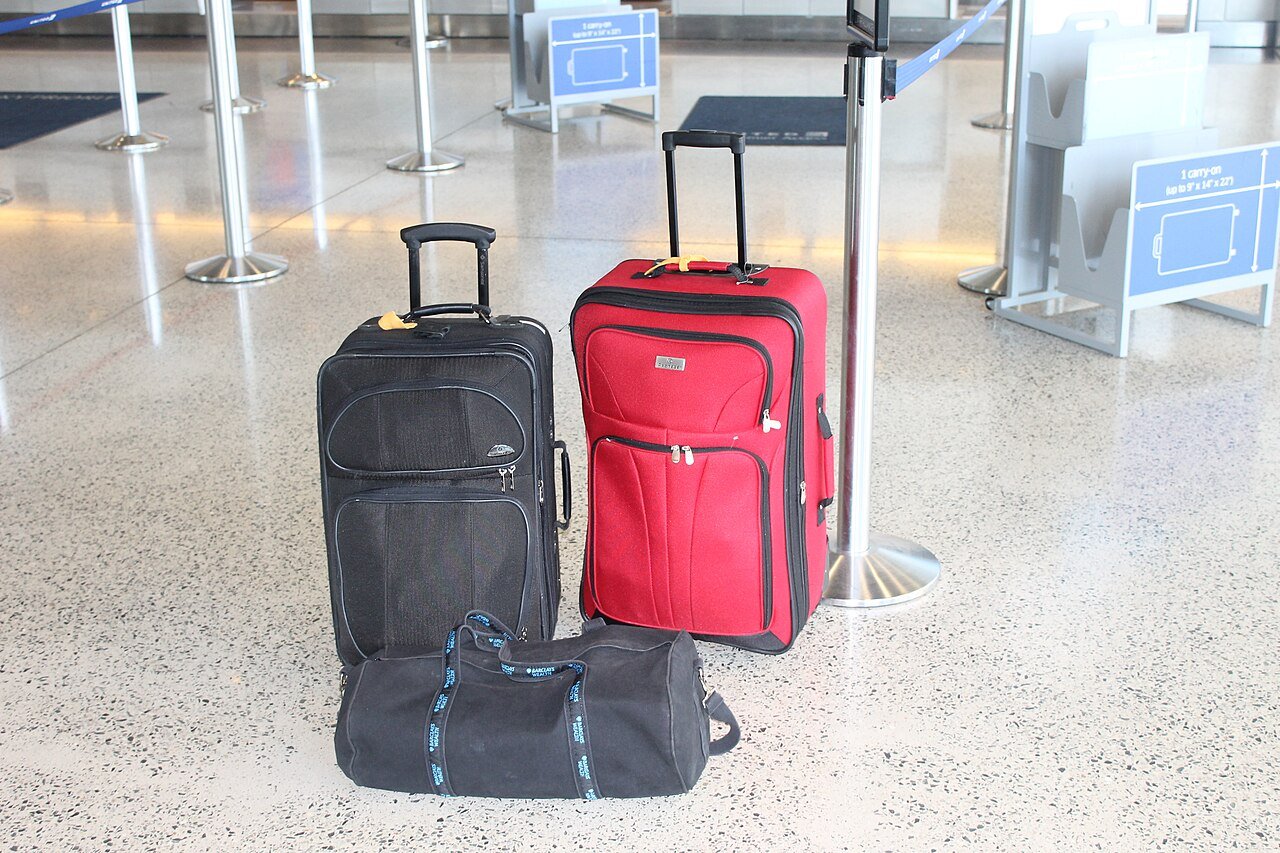
For checked bags, the FAA says portable electronic devices powered by lithium batteries must be completely switched off, not in sleep or hibernation mode, and protected from unintentional activation or damage. A device placed in a checked bag must also meet the page’s battery size limits: lithium metal batteries with lithium content not above 0.3 grams, or lithium ion batteries not above 2.7 watt hours. The page’s closing instruction is short: “Check with the airline before traveling with these devices.” For international flights it says to check with your airline because regulations may vary. The same page also covers smart bags more broadly, and it says baggage with lithium batteries that is carried on board must stay in the cabin unless the batteries are removed, so a bag with a built-in battery is a separate question from a loose tag.
The gap nobody fills in
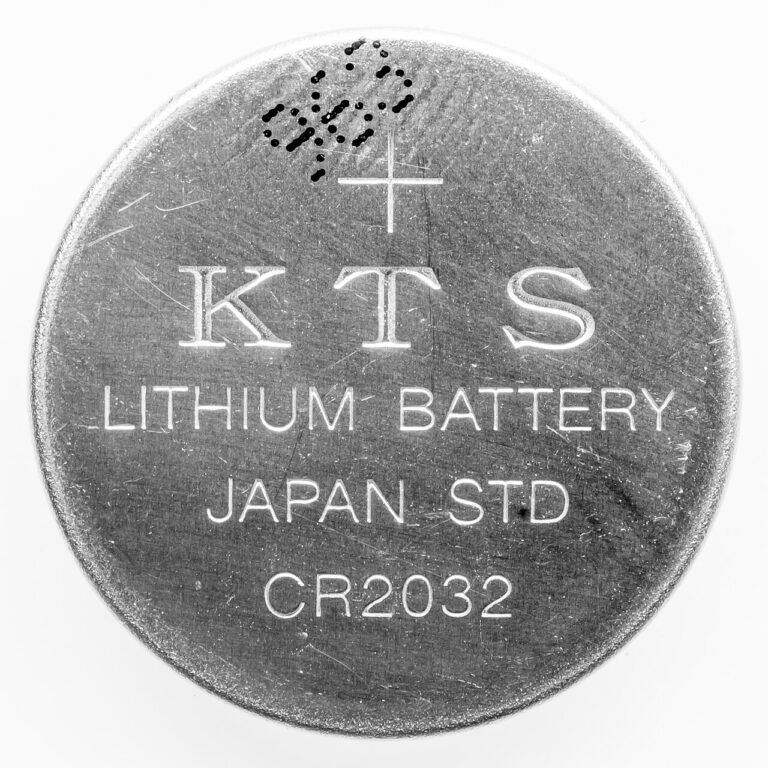
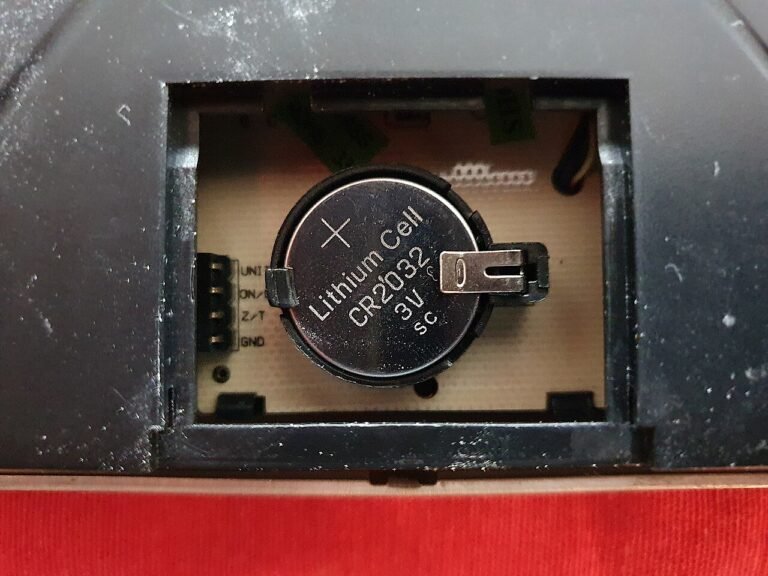
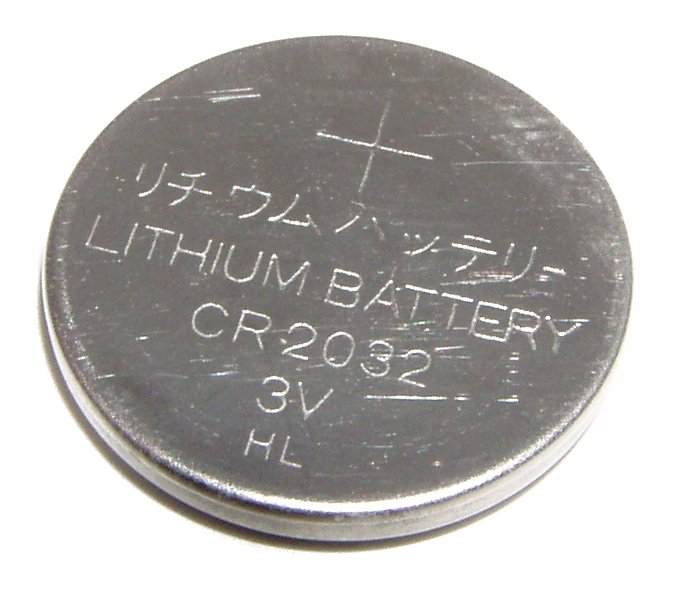
Here is the awkward part. The FAA page does not name any brand, does not say “AirTag,” and does not mention CR2032 coin cells. So it cannot tell you whether a particular tag meets the 0.3 gram limit, and I could not confirm that from a fetched regulator page. I also found no regulator page that says how an active tag sitting in a suitcase fits the “completely switched off” wording. Rather than claim a tag is allowed or banned, this article sticks to what the page supports: the agency points travelers to the airline.
That makes the airline’s own policy the deciding document. Read it, or ask at booking. If you want background on how Bluetooth finders differ from true GPS devices, our GPS tracker guide is a good place to start, and it explains the root of the accuracy problem above.
Our take
An AirTag in a suitcase is a reasonable bet for finding a delayed bag, as long as you accept two limits: the location is approximate, and the airline has to accept Apple’s link. Because the FAA page tells travelers to check with the airline and says nothing about AirTags by name, confirm the carrier’s rule before the trip, not at the counter.
Common questions about AirTags and luggage
Can I share my AirTag location with an airline?
Apple says you can create a Share Item Location link in Find My on iOS 18.2 or later and send it to an airline that is a registered Apple partner. The feature is not available in all countries and regions.
How long does the shared link work?
Apple says it expires after seven days, when you are reunited with the item, or when you choose to stop sharing.
Does the FAA ban trackers in checked bags?
The page I read does not ban them. It treats baggage location tracking devices with lithium batteries as portable electronic devices, sets battery size limits for checked bags, and says to check with the airline.
Does the airline see my personal details?
Per Apple, the airline partner sees the item’s most recent location, the phone number or email address of the registered Apple Account, and the item serial number.
Behind this review
TrueSpyTech does not operate a test lab, and no article here rests on a unit we plugged in ourselves. Research pulls the spec sheets and the relevant law, the pattern in owner reports fills in what a spec sheet will not admit, and an editor signs off before anything goes live. Ratings are locked before affiliate links go in, never after. The full protocol is on our How we review page.
Google lets you pick which sites come up first in your own results.