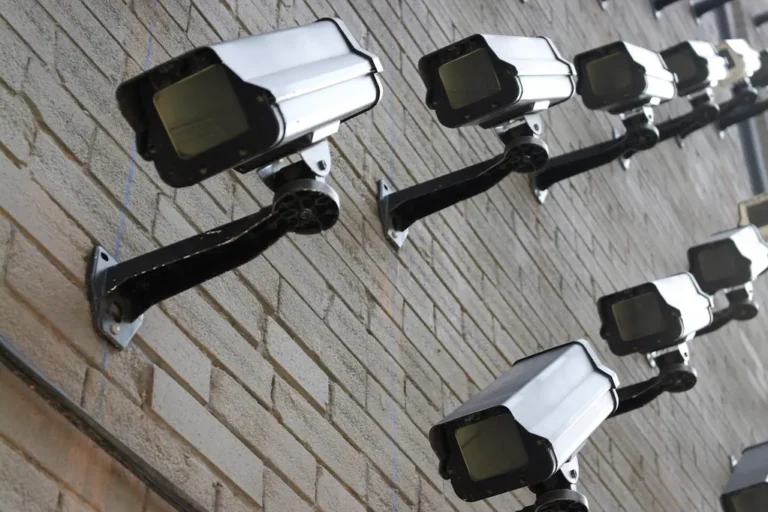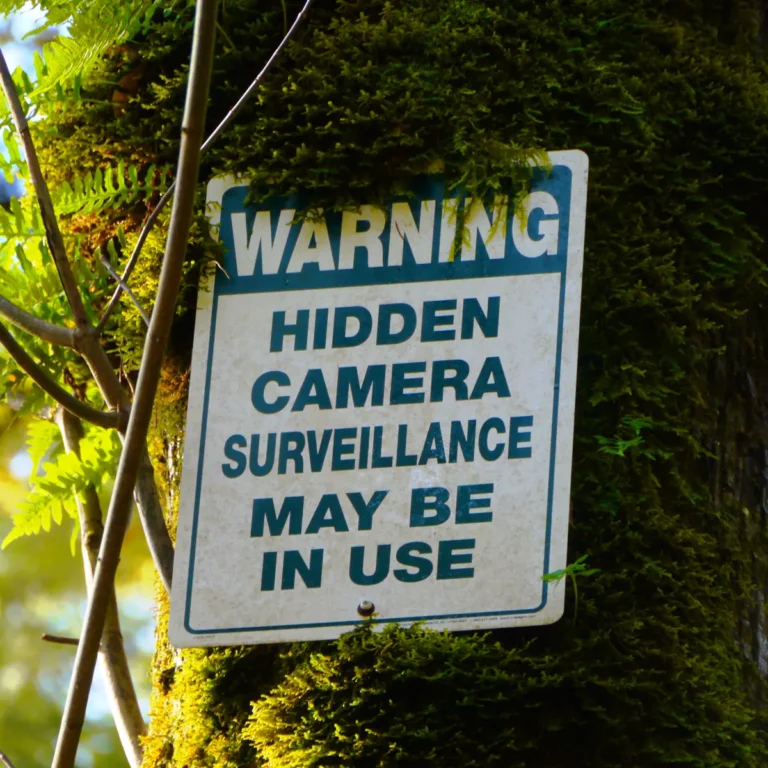
A phone can sense very little that points to a hidden camera on its own. Its magnetometer measures the earth’s magnetic field, its Wi-Fi radio sees only what the operating system lets an app see, and its camera is built to take pictures, not to hunt for lenses. The apps that do something useful lean on one narrow trick each, and most store listings promise far more than the hardware can deliver.
What the magnetometer is actually for
Many “detector” apps start with the magnetic sensor, so it deserves the first look. Android’s developer documentation describes the geomagnetic field sensor as a tool that monitors changes in the earth’s magnetic field and reports raw field strength on three axes, in microtesla. The same page says you usually do not need to use the sensor directly, since it exists mainly to work out which way the device is pointing. It also notes that accuracy improves if you wave the phone in a figure-8 pattern, which is a calibration step for compass use.
Nothing on that page says the sensor is meant to find electronics, and I found no source that backs the idea of a phone magnetometer locating a camera. An app can certainly draw a needle that jumps when you pass a speaker magnet or a metal bed frame. That tells you metal is nearby. A small camera inside a smoke detector or a USB charger gives you no reason to expect a reading that stands out. There is a practical limit too: the documentation says the sensor is rate-limited for apps targeting Android 12 or higher.
What the Wi-Fi radio can and cannot report
The Wi-Fi route sounds more promising, because many cheap cameras do join a network. Here the operating system gets in the way. According to Android’s Wi-Fi scanning guide, an app in the foreground can start four scans in a two-minute period on Android 9 and later, and all background apps together get one scan every 30 minutes. Scanning also needs fine location permission and location services switched on, or the call fails with a security exception.
Those limits matter because a room sweep is a slow, repetitive job. A basic app that lists nearby Wi-Fi names and signal strengths can only refresh a few times a minute, and a camera that is not broadcasting a recognizable name will not stand out in the list at all. Listing devices on a network you already control is a different and much more reliable job, and it is covered in finding cameras on a Wi-Fi network you control versus one you don’t.
The research version of the Wi-Fi idea
Academics have built something sturdier than a signal list. A team presenting at USENIX Security described a system called Lumos, which runs on ordinary phones and laptops and targets Wi-Fi-connected hidden devices without needing to know anything about the network in advance. It combines wireless signal strength with the phone’s sensors and offers an augmented reality view. In the paper’s abstract, the authors report identifying hidden devices with 95 percent accuracy across 44 devices in six environments, and locating them with a median error of 1.5 meters within 30 minutes in a two-bedroom apartment.
The limits are as informative as the result. Coverage of the work in The Hacker News adds that Lumos only finds devices connected over Wi-Fi, and that an attacker can dodge it by randomizing a MAC address or changing transmit power. It is a research system, and nothing in the sources says it ships as a consumer app. A storefront app with a similar name should not be assumed to do the same work.
The camera, and the one sensor that does help
People often assume the phone’s main camera can spot a hidden lens. A normal photo sensor sees a normal scene, which is why finding a lens by eye or by flashlight depends on technique rather than on the phone, a method laid out in the flashlight lens-reflection guide.
The strongest hardware result I could ground comes from a different part of the phone. A KAIST research project called LAPD, for Laser-Assisted Photography Detection, uses the time-of-flight (ToF) sensor found on some recent phones. It emits laser signals, then analyzes the reflections for unnaturally high reflectivity that can indicate a camera lens. The project page reports an 88.9 percent detection rate against 46 percent for the naked eye, across 379 participants in real-world testing, and it runs as an Android app on phones that have a ToF sensor.
The same page is blunt about the weak points. Only one of four high-intensity reflection areas in its example corresponded to a real hidden camera, so the software has to filter the rest. Reflections show up only within about 10 degrees of angle, so you must scan slowly and from many positions. ToF sensors have fairly low resolution, and they saturate at close range while returning too little signal from far away. The Register’s write-up puts the false positive rate at 16.67 percent, against 26.9 to 35.2 percent for one dedicated detector and 54.9 percent for the naked eye.
What store apps most likely do, and where that leaves you
Putting those pieces together, a typical “hidden camera app” can do three things from the hardware it has: show a magnetic reading, list nearby Wi-Fi networks, and offer a guide that tells you what to look for. The first is a compass sensor, the second is throttled by the operating system, and the third is reading, not detection. A phone with a ToF sensor and research-grade software may do better, but check the app’s own description for which sensor it uses before trusting a clean result.
If you want radio detection rather than optical, that is a job for dedicated receivers, and even those misfire, as this explainer on RF detectors and false positives lays out. For a straight comparison of dedicated hardware and phone apps, see hidden camera detector versus phone app.
My opinion: use the phone for what it handles well. Walk the room with the lights low and the flashlight on, check your network’s device list, and treat any app’s “all clear” as a weak signal. A phone sweep that finds something is worth following up. One that finds nothing proves little.
Our take
Treat a hidden camera app as a prompt to search, not as a verdict. The magnetometer is a compass sensor, Wi-Fi scanning is throttled on Android, and only research tools like LAPD and Lumos have published results, with limits their authors state themselves. A manual sweep plus a look at your network’s device list does more than any single app reading.
Common questions about hidden camera apps
Can my phone’s magnetometer find a hidden camera?
Android’s documentation describes the sensor as measuring the earth’s magnetic field for orientation, and it says nothing about finding electronics. It can react to nearby metal, but a reading alone does not point to a camera.
Why does a Wi-Fi scanning app miss things?
Android limits how often apps can scan, to four scans per two minutes in the foreground on Android 9 and later. Cameras that are not on Wi-Fi, or that use no recognizable name, will not appear in a simple list at all.
Is there any phone-based method with published results?
Yes. LAPD uses a time-of-flight sensor and reported an 88.9 percent detection rate in its study, and Lumos reported 95 percent accuracy on Wi-Fi-connected devices. Both come with stated limits, and neither is guaranteed to match a store app.
Should I trust an all-clear from an app?
Not on its own. Pair it with a visual search and a check of the router’s device list, and keep in mind that a camera with no Wi-Fi connection and no recording light can be invisible to most phone tools.
Behind this review
TrueSpyTech does not operate a test lab, and no article here rests on a unit we plugged in ourselves. Research pulls the spec sheets and the relevant law, the pattern in owner reports fills in what a spec sheet will not admit, and an editor signs off before anything goes live. Ratings are locked before affiliate links go in, never after. The full protocol is on our How we review page.
Google lets you pick which sites come up first in your own results.