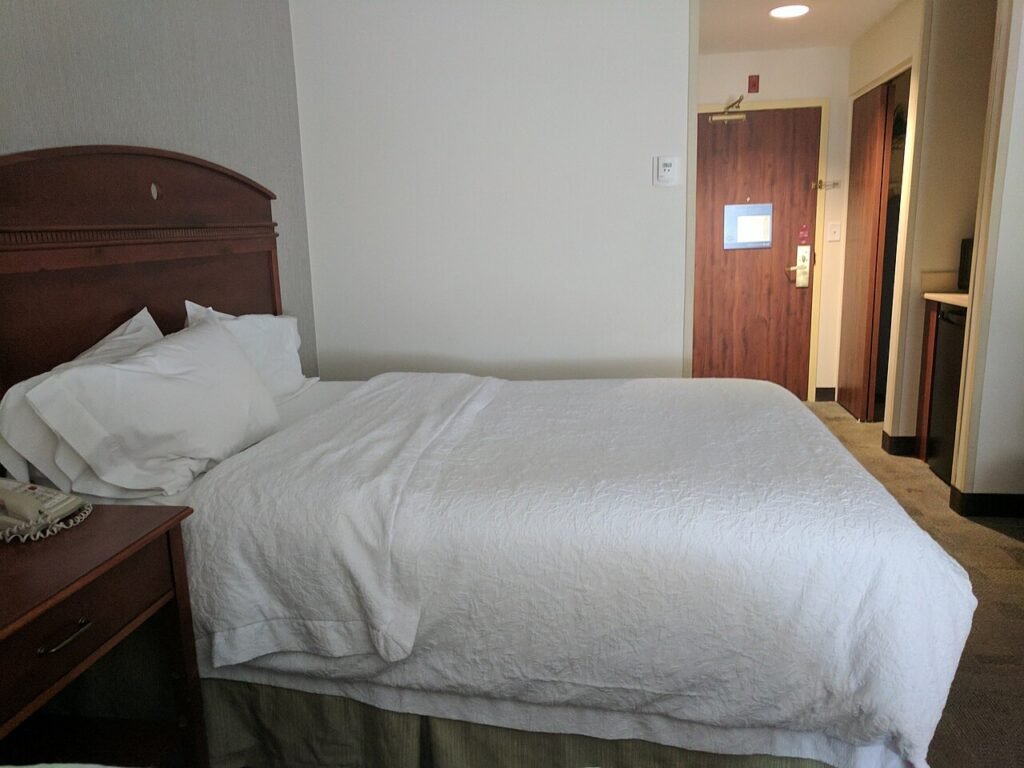
Check smoke detectors, wall outlets, and anything with a direct line of sight to the bed first, those are where hidden cameras actually turn up in short-term rentals. Turn off the lights and sweep a flashlight at a low angle across the room to catch lens glare, then run an RF detector as a second pass for anything transmitting over Wi-Fi. This is the same three-layer method covered in our full counter-surveillance sweep guide, just reordered for the spots a guest room favors.
Verdict
Ten minutes on arrival covers this: check the smoke detector and any clock radio or USB charger you didn’t bring yourself, look for outlets with something extra plugged in, and do one flashlight sweep with the lights off. Add an RF detector pass only if something already feels off, most rentals check out clean.
Why this happens more than people think
Short-term rental cameras aren’t an urban legend. Guests have found them wired into smoke detectors aimed at beds, tucked into alarm clocks on nightstands, and hidden in USB wall chargers plugged into outlets near the shower. Airbnb’s own policy bans hidden cameras in bedrooms and bathrooms outright, and hosts caught violating it lose their listing, but a policy only works if someone catches the device. Most guests never think to look, which is exactly what makes this worth ten minutes of your first hour in a new place. For the broader mechanics of how these devices work and where they’re commonly built into everyday objects, our hidden camera buying and detection guide covers the full picture beyond just rentals.
It’s worth separating this from the disclosed cameras a lot of hosts run legitimately. A camera covering a shared entryway, a driveway, or a common living area with a listing disclosure is normal and legal in most places. The problem is a camera aimed at a bed or a bathroom, disclosed or not, and that’s the category this checklist is built around.
Start with the smoke detector, then the clock
Smoke detectors are the single most common disguise, because nobody questions a smoke detector on a ceiling. A real one has a UL listing sticker, a visible battery compartment or hardwired base, and usually a small red LED that blinks steadily. A camera version often has a seam that doesn’t quite line up, no battery compartment at all, or a lens dot slightly off-center from where the smoke sensor would normally sit. If the detector is angled toward the bed rather than centered on the ceiling for even coverage, that’s a bigger red flag than any of the physical details.
Clock radios and alarm clocks are the second most common hiding spot, particularly ones with an unusually large or dark-tinted front panel. A pinhole lens is easiest to spot by looking for a small circular imperfection in the plastic, ideally with a flashlight held close and at an angle rather than straight on.
Check outlets and anything with a USB port
USB wall chargers, power strips, and even alarm clocks with a charging port built in are popular because a guest plugging in their own phone won’t think twice about one already there. If an outlet has a charger or adapter already installed that you didn’t bring, unplug it and look for a lens before you use it. Most are genuinely harmless leftover chargers, but it costs nothing to check.
Bookshelves, tissue boxes, and stuffed decorative items get checked next, anything with a small dark hole or dot that doesn’t belong to the object’s actual function. Work the room in a fixed order rather than randomly: ceiling fixtures, then anything facing the bed, then outlets, then shelf clutter.
Do a flashlight sweep with the lights off
This is the step most guests skip and it catches more than people expect. Turn off every light, including the bathroom, and sweep a flashlight (your phone’s works fine) across the room at a low, grazing angle rather than pointing it straight at objects. A camera lens throws back a small, sharp glint that a normal surface doesn’t produce, even through a speaker grille or dark fabric. Move slowly and check the whole room, ceiling corners included, before turning the lights back on.
This technique applies just as well to a full home sweep, where you’re also checking things like wall vents and bookshelf clutter instead of just the handful of spots a hotel room narrows you down to.
Run an RF detector if the visual check leaves you unsure
Most hidden cameras in rentals connect to Wi-Fi to stream footage to an app, which means a basic RF detector will pick up a signal as you walk it around the room. A unit like the K18 RF Detector is small enough to travel with and cheap enough that packing one for a rental you’re unsure about isn’t overkill. Walk it slowly around the room, paying attention to spikes near the smoke detector, the clock, and any outlet with something plugged in.
This step has a real limit: an SD-card-only camera that never transmits anything won’t show up on an RF scan at all, no matter how good the detector is. That’s why the visual check comes first and doesn’t get replaced by owning a detector. For a deeper comparison of what different detector types catch, see the best hidden camera detectors compared.
The steps above are laid out as our room sweep checklist, 19 items you can tick off on a phone while you walk the room.
What to do if you find something
Don’t touch or unplug it yet. Photograph the device in place, note its exact location, and contact the platform (Airbnb, Vrbo, or the hotel’s front desk) immediately rather than confronting the host directly. Airbnb has a dedicated policy against undisclosed cameras in private spaces and will typically relocate or refund a guest who reports one with evidence. If you’re in a hotel, hotel security or the front desk should escalate it the same day, not wait for you to check out first.
If local law enforcement needs to get involved, that photo and timestamp matter more than your memory of where exactly you found it. Keep the device powered and in place until someone from the platform or the property tells you otherwise, since removing it can complicate any investigation that follows.
The legal picture also matters from the other side, if you’re a host wondering what you’re allowed to install in your own rental. We break down the rules for recording in a home you own or manage in is a hidden camera legal at home, which covers consent laws and where bedrooms and bathrooms are always off-limits regardless of ownership.
Frequently asked questions
The one piece of kit worth packing
K18 RF Detector
Pocket-sized, runs on a rechargeable cell, and does the two things that matter in a rented room: picks up a transmitting camera and lights up a lens through the red filter.
- RF sweep for anything streaming over Wi-Fi
- Lens finder for cameras recording to a card
- Fits in a toiletry bag, no setup
We put it side by side with pricier units in the best hidden camera detectors.
Are hidden cameras in Airbnb bedrooms illegal?
Yes, in the sense that Airbnb’s platform policy bans them outright regardless of state law, and many states also criminalize recording someone in a space where they have a reasonable expectation of privacy, like a bedroom or bathroom, without consent.
Can a phone app detect hidden cameras in a hotel room?
Partially. Network scanner apps can flag unfamiliar devices connected to the hotel’s Wi-Fi, which catches some Wi-Fi cameras. They won’t detect a camera on cellular data or one recording only to an SD card, so they’re a supplement, not a replacement, for a visual check.
Do all hidden cameras show up under infrared or UV light?
No, that’s a common myth. Infrared and UV flashlights are marketed for this but mostly just illuminate the room differently; they don’t reliably reveal a lens. A normal flashlight held at a grazing angle to catch glare works better and costs less.
Is it legal for a host to have any cameras on the property?
Yes, disclosed cameras covering common or exterior areas like an entryway, driveway, or shared living room are generally allowed and common. The line is bedrooms, bathrooms, and any space marketed as private, where a camera is prohibited regardless of disclosure.
Once you’ve checked a rental and it comes up clean, that ten-minute habit is worth keeping for every new place you stay, not just the ones that already feel off. If you want the fuller method for checking your own home or car too, the complete walkthrough is in how to sweep a room for bugs and cameras, and it covers ground this rental-specific version doesn’t need to.
Behind this review
TrueSpyTech does not operate a test lab, and no article here rests on a unit we plugged in ourselves. Research pulls the spec sheets and the relevant law, the pattern in owner reports fills in what a spec sheet will not admit, and an editor signs off before anything goes live. Ratings are locked before affiliate links go in, never after. The full protocol is on our How we review page.
Google lets you pick which sites come up first in your own results.