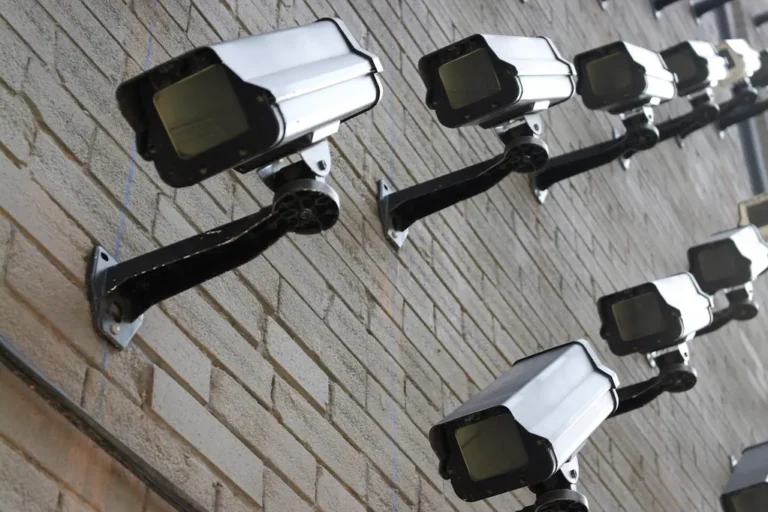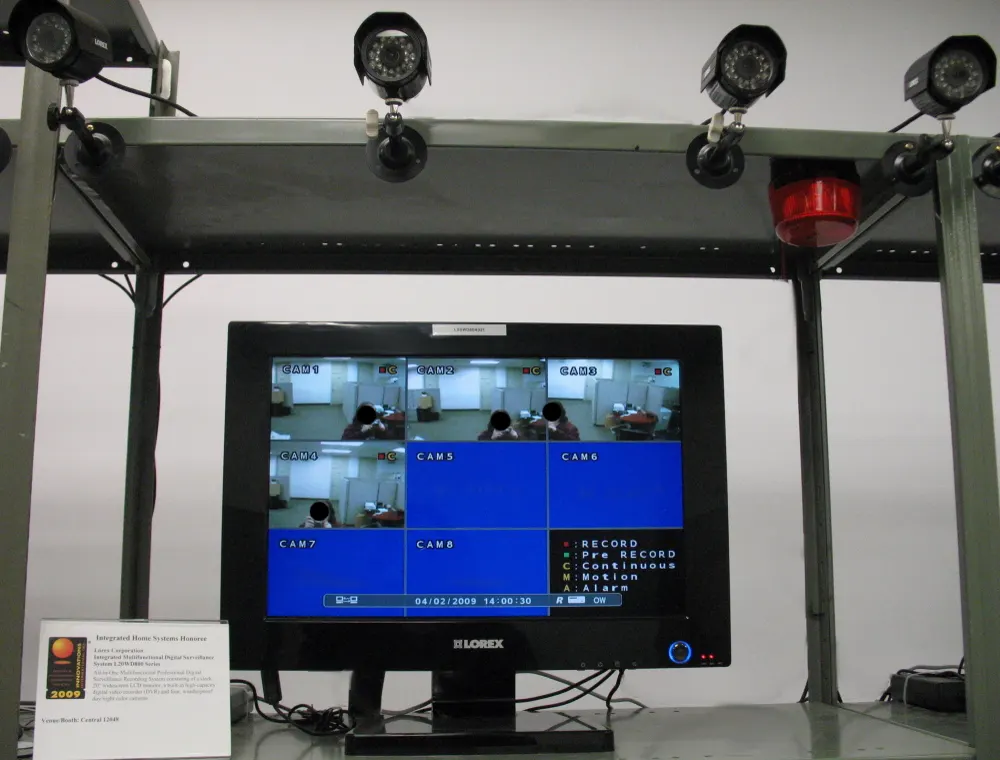
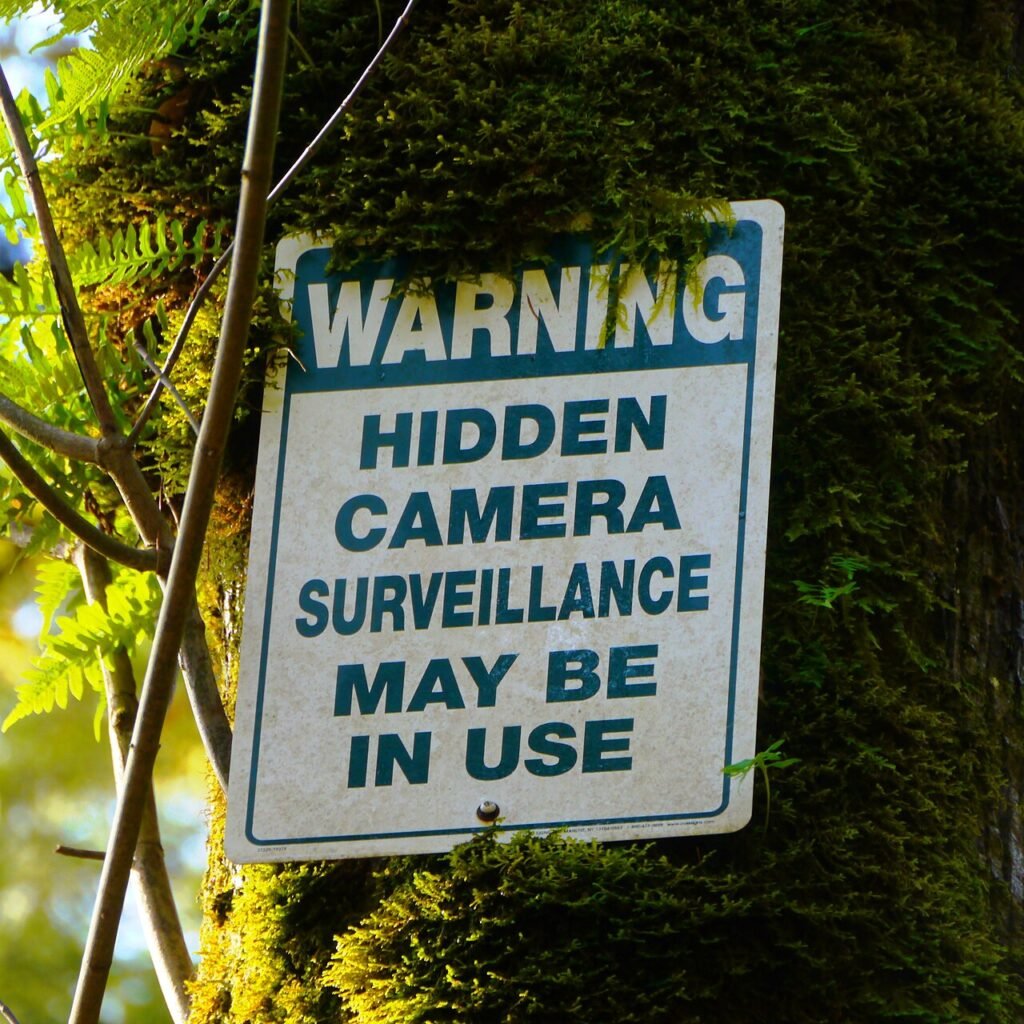
A hidden camera is legal in your own home for video recording in common areas like a living room, front porch, or nursery. It gets illegal fast the moment you point one at a guest’s private space without their knowledge, or the moment it starts picking up audio in a state that requires everyone’s consent. Once that’s settled, the actual buying decision comes down to three things: how the footage leaves the camera, how well it’s disguised, and whether the battery survives more than a weekend.
Verdict
For most households, a Wi-Fi camera with cloud backup beats an SD-card-only model, because you can check footage without walking back into the room. Go SD card only if the room has no reliable Wi-Fi, or if you don’t want the camera showing up on a network scan. Either way, read the legal section below before you mount anything. The hardware is the easy part.
Is it legal to have a hidden camera in your home?
Video-only recording in the common areas of a home you own or rent is legal in all fifty states, no consent required from anyone who walks through the room. That covers a living room camera watching a dog-walker, a nanny cam in the kitchen, or a porch camera aimed at the front door. The line moves the second the camera goes into a bathroom, a bedroom used by a guest, or anywhere someone has a reasonable expectation of privacy. That’s illegal almost everywhere, home ownership or not, and courts have not treated “but it’s my house” as a defense.
Audio is the part people skip past and shouldn’t. Recording sound alongside video pulls the whole thing into wiretapping law, and roughly a third of states require every person in the conversation to consent, not just you. Add a microphone to a camera you’d otherwise be fine running, and you’ve quietly changed what law applies to it. We go through the state-by-state breakdown in our full guide to hidden cameras and home privacy law, and the broader consent framework lives in the site’s counter-surveillance overview if you’re trying to map out where the lines sit before you buy anything.
There’s a separate wrinkle worth flagging here: some states legally require a sign or notice when cameras are recording common areas of a shared or rented space, even when the recording itself is fully legal. It’s a smaller list than the consent states, but if you’re a landlord or you rent out part of your home, it’s worth five minutes of research before the camera goes up rather than after a tenant complains.
Wi-Fi or SD card: which one to buy
Wi-Fi cameras push footage to an app in real time, which means you can pull up the feed from a coffee shop and know within seconds if something’s wrong. Most also send motion alerts, so you’re not staring at a live feed all day waiting for something to happen. The trade-off is that a determined snoop with network access can sometimes spot an unfamiliar device on the router, and a Wi-Fi outage means no recording at all unless the camera also writes to a card locally.
SD-card-only cameras record straight to the card and never touch your network, which is the whole appeal if discretion is the priority. A nanny or contractor scanning connected devices on the router won’t find one. Retrieval is the problem: you have to physically go get the card to see anything, which is a dealbreaker if you need to know what happened right now, not tonight after everyone’s gone home.
There’s a middle path a lot of buyers don’t realize exists. Several mid-range cameras do both: they keep a rolling local recording on a card as a backup while also streaming to the app, so a Wi-Fi drop doesn’t leave you with a gap in the footage. It costs a bit more up front, and the app subscription for extended cloud history is usually the real ongoing cost, not the camera itself. We put both approaches head to head, with actual model picks and price ranges, in Wi-Fi vs SD card hidden cameras.
What matters more than the spec sheet
Resolution numbers on the box are close to meaningless without context. A 1080p camera with a good lens and decent low-light handling will out-resolve a cheap 2K sensor crammed behind a pinhole lens every time. What we’d weigh, roughly in order of importance:
Field of view comes first. A narrow lens only catches what’s directly in front of it, which is fine for a doorway and useless for covering a whole room from a corner shelf. Battery life comes second, because a camera that dies after six hours isn’t covering anything while you’re at work for nine. Disguise quality comes third, and only third, because a camera that visually reads as a camera defeats half the point of buying a hidden one in the first place.
Night vision deserves a closer look too. Most budget models switch to infrared below a certain light level, and infrared shows up to the naked eye as a faint red or purple glow if you know where to look. It’s not invisible. It’s just easy to miss unless someone’s already suspicious and actively hunting for it in a dark room.
App quality matters more than most buyers expect going in. A camera with great hardware and a laggy, ad-cluttered app is genuinely frustrating to use day to day, and a few budget brands are notorious for nagging you weekly to upgrade to a paid storage tier you don’t need. Read the app reviews separately from the camera reviews before you commit.
The models worth your money
If you want a straightforward small camera rather than something disguised as an object, the Wyze Cam v4 and the Blink Mini 2 both do the job for well under $50 and integrate with an app most people already have muscle memory for from other smart-home gear.
Wyze Cam v4
BEST ALL-AROUND PICK
- 2K sensor, noticeably sharper than most cameras at this price
- Free rolling cloud storage window, no card required
- Small enough to tuck on a shelf without looking staged
For a genuinely disguised option, a smoke-detector-style camera solves the “it looks like a camera” problem outright, but it comes with a serious asterisk: a fake smoke detector doesn’t detect smoke. Treat it purely as a camera and keep a real smoke detector in the room too. We compare five real models and explain exactly where that trade-off is worth it in our smoke detector camera comparison. If budget is the deciding factor and you don’t need every feature, the best hidden cameras under $50 covers the picks that don’t ask you to compromise on the one spec that matters at that price, which is storage, not resolution.
Battery-powered or plugged in?
Battery cameras go anywhere, no outlet required, which is why most of the genuinely disguised models (smoke detectors, clock radios, small objects that sit on a shelf) run on batteries rather than a visible cord. The cost is exactly what you’d expect: batteries drain, and the camera you forgot to check for two weeks is the camera that quietly stopped recording on day four.
Plugged-in cameras solve that problem outright and typically run cooler and more reliably over long stretches, since they’re never fighting a power budget. The trade-off is placement. A camera has to sit near an outlet, and a visible cord is one of the fastest ways to blow a disguise that otherwise would have held up fine. Some models split the difference with a battery pack that lasts months instead of days, at a real price premium over the basic version.
Our rule of thumb: if the camera is watching a spot you pass by daily anyway, like an entryway or a kitchen counter, plug it in and stop thinking about the battery. If it’s tucked somewhere you rarely go, budget for a model with a genuinely long battery life rather than the cheapest one on the shelf, because the checking-in cost adds up fast.
Battery-powered or plugged in changes what the device can do, and both limits are measurable. The runtime and storage calculator gives hours on the battery and hours on the card side by side.
Where to put it, and where never to
Entryways, living rooms, and home offices are the easy, legal, genuinely useful spots. A camera aimed at a shared kitchen or a porch catches package thieves and dishonest contractors without raising any legal questions at all. Nurseries are the other common use case, and they’re fine too, since the room belongs to your household and the occupant can’t meaningfully consent either way.
Skip bathrooms entirely, even in your own house. Courts have not been kind to homeowners who argued that ownership trumps a guest’s privacy in a room with a lock on the door, and it’s not a fight worth having. Guest bedrooms are a gray area that isn’t all that gray: if someone’s sleeping there, treat it like their space for the duration of the stay, not yours.
One more practical note: mounting height and angle matter for more than just coverage. A camera aimed straight at a couch or bed reads very differently, legally and ethically, than one covering a doorway or a room’s general traffic flow. If you can point it at the space people pass through rather than the space they occupy, do that instead.
How people find the camera you just hid
Worth knowing before you buy: the same techniques a hotel guest uses to sweep a room for hidden cameras work just as well on the one in your own house. That means anyone determined enough, a suspicious houseguest, an ex who still has the Wi-Fi password, has a real shot at finding it. A basic RF detector, a flashlight held at an angle to catch lens glare, and a look at what’s connected to the router covers most consumer-grade cameras on the market today.
None of that should stop you from using a camera legally in your own home. It’s just useful context for expectations: “hidden” buys you a few weeks of not being noticed, not permanent invisibility from someone who’s looking. We walk through the full method, including the tools that are worth owning versus the ones that are mostly marketing, in how to sweep a room for bugs and cameras.
Frequently asked questions
Do hidden cameras need Wi-Fi to work?
No. Plenty of models record straight to a microSD card with no network connection at all, which is often the more discreet choice. You lose the ability to check footage remotely, and you have to retrieve the card by hand to see anything.
Can I put a hidden camera in a rental I don’t own?
Generally yes for the common areas of your own unit, the same as if you owned the property, but check your lease first. Some landlords write camera restrictions into the agreement, and a violation there is a lease problem even where the camera itself would otherwise be legal.
Is audio recording covered by the same rules as video?
No, and this trips people up constantly. Video in common areas of your home is broadly legal without consent. Audio falls under wiretapping law, and a chunk of states require every party’s consent before you can record a conversation at all.
How long does a battery-powered hidden camera last?
Anywhere from a few hours to a couple of weeks depending on how often it’s triggered and whether it’s recording constantly or only on motion. Motion-only recording in a low-traffic room can stretch a single charge past ten days on some models.
Will a hidden camera show up if someone scans the Wi-Fi network?
A Wi-Fi-connected camera can show up as an unfamiliar device on a router’s connected-devices list to anyone who checks it. An SD-card-only camera never touches the network, so a Wi-Fi scan won’t find it, though a visual or RF sweep still would.
Once you’ve settled the legal question for your specific situation, the buying decision is genuinely simple: Wi-Fi if you want to check footage from your phone, SD card if discretion matters more than convenience, and a disguised model only if you need the disguise. Start with the storage comparison if you’re still torn between the two, or head straight to the budget picks if price is what’s holding you back.
Behind this review
TrueSpyTech does not operate a test lab, and no article here rests on a unit we plugged in ourselves. Research pulls the spec sheets and the relevant law, the pattern in owner reports fills in what a spec sheet will not admit, and an editor signs off before anything goes live. Ratings are locked before affiliate links go in, never after. The full protocol is on our How we review page.
Google lets you pick which sites come up first in your own results.