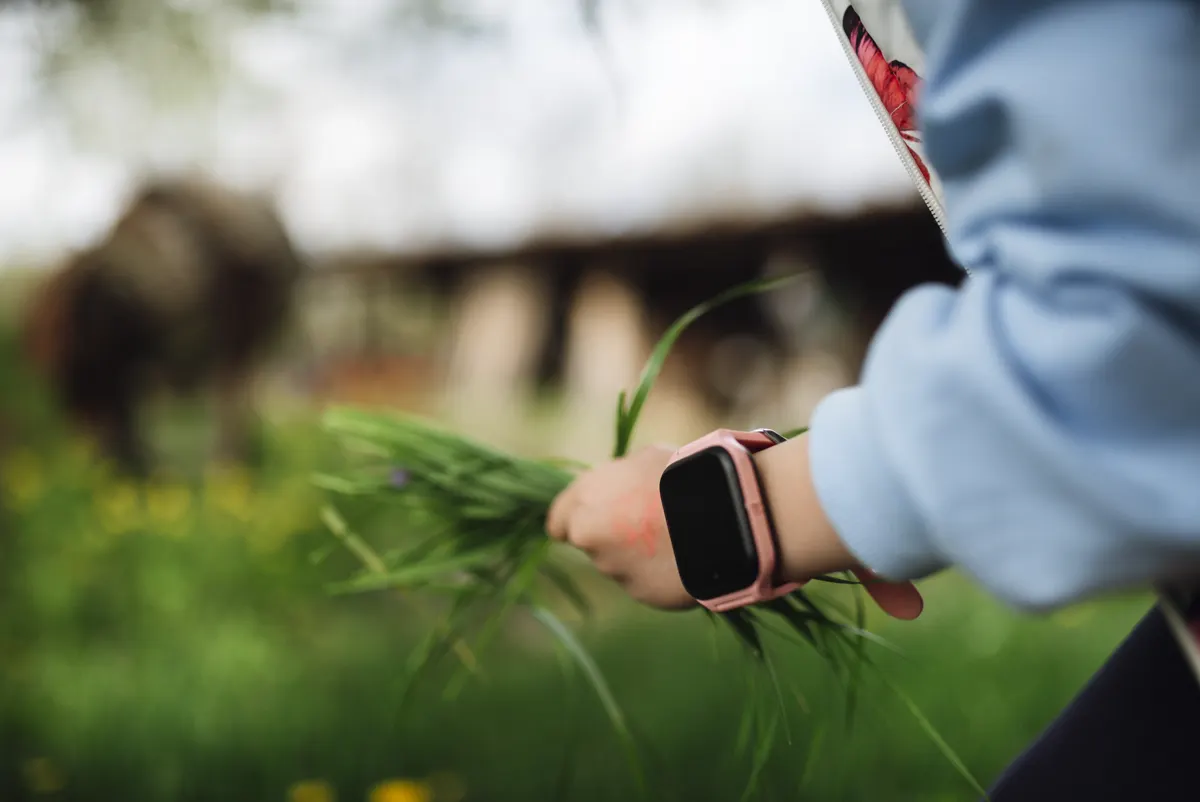
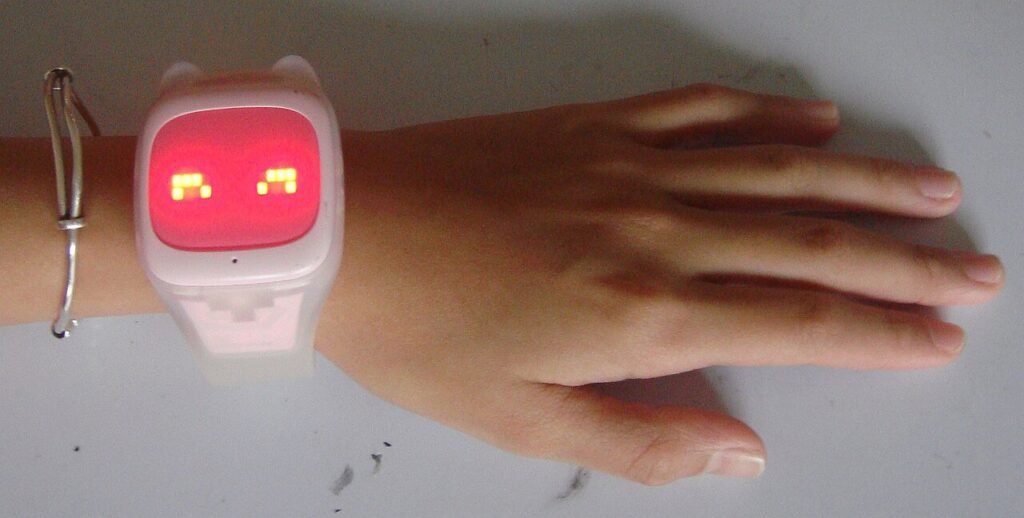
The Gabb Watch 3 is the best overall pick for most families, mainly because Gabb builds specifically for kids and doesn’t try to upsell a full smartphone experience later. TickTalk 4 and Xplora’s own watches both compete closely on features, and Apple Watch SE with Family Setup is the right call only if your kid is already deep in the Apple ecosystem and you don’t mind the higher price. Battery life, real-world network coverage, and how much of your kid’s data each company shares are the differences that actually matter, not the app icon. For the bigger picture on when a watch beats a phone, our family monitoring guide covers the age and use-case reasoning in more depth.
Verdict
Gabb Watch 3 for most kids under 11. TickTalk 4 if you want video calling and a camera built in. Apple Watch SE only if your household already runs on Apple and the higher cost doesn’t matter.
Which kids’ GPS watch has the longest battery life?
The Gabb Watch 3 typically gets through a full school day and into evening on a single charge, largely because it skips power-hungry extras like a camera or games. TickTalk 4 adds a camera and more app features, which trades battery life for capability, usually landing somewhere in the one-to-two-day range depending on how much the camera and video calling get used. Apple Watch SE, running full watchOS, needs a nightly charge like any other Apple Watch, which is worth knowing before a kid loses the charger for the third time.
How does network coverage compare?
Gabb and TickTalk both run on established cellular networks (Gabb uses T-Mobile’s network, TickTalk offers both AT&T and T-Mobile options depending on the plan), which generally means solid coverage anywhere a parent’s own phone gets good signal. Xplora uses a mix of carrier partnerships depending on region. Apple Watch SE with Family Setup needs a compatible cellular plan added to a parent’s existing carrier account, which usually means the best coverage if your carrier is already reliable, since it’s riding the same network your phone uses.
| Watch | Battery life | Data sharing |
|---|---|---|
| Gabb Watch 3 | Full day+ | No ad-based data sales, kid-privacy focused |
| TickTalk 4 | 1–2 days | Standard app privacy policy, video calling included |
| Xplora X6 Play | Not stated | Standard app privacy policy |
| Apple Watch SE (Family Setup) | Nightly charge | Apple’s standard privacy framework |
Gabb Watch 3
BEST OVERALL FOR KIDS UNDER 11
- No camera, no games, no social features, built specifically to avoid the smartphone-replacement trap
- Battery routinely lasts a full school day without a midday charge
- Company markets kid-data privacy as a core feature, not an afterthought
TickTalk 4
BEST IF YOU WANT VIDEO CALLING
- Built-in camera supports video calls, which Gabb intentionally leaves out
- More app features in total, which some parents want and others see as scope creep
- Battery life takes a real hit compared to camera-free options
Xplora X6 Play
THE 4G PICK IF CALLS AND MESSAGES MATTER MOST
- Just over 3 stars across more than 1,400 reviews, so read a few before committing
- 4G with GPS, SOS, calls and messages; the listing does not put a camera on this model
- Less brand recognition in the US than Gabb or TickTalk, worth factoring into resale or support expectations
How durable are these watches for actual kid use?
Gabb Watch 3 holds up well against the usual abuse, playground falls, a backpack getting thrown around, occasional rain, mostly because there’s no camera lens or extra hardware to crack. TickTalk 4 adds a camera, which means one more component that can get damaged if the watch takes a hard hit on concrete, though neither has a reputation for being notably fragile compared to the other. Apple Watch SE is the outlier here: it’s genuinely well-built, but the screen is glass, and a kid who face-plants on the blacktop with an Apple Watch on is a more expensive mistake than the same fall with a Gabb or TickTalk on their wrist.
Band replacement is worth checking before buying, not after a band snaps. Gabb and TickTalk both sell replacement bands directly and cheaply. Apple Watch bands are widely available but priced like Apple accessories, which adds up if a kid goes through a few of them a year.
Which app is easiest for a parent to use day to day?
Gabb’s app stays deliberately simple, location, a call log, and basic settings, which most parents find easier to check quickly between meetings than something more feature-dense. TickTalk’s app carries more surface area since it manages video calling and camera features alongside location, which some parents want and others find themselves not using after the first month. Xplora’s app sits in between the two, and Apple Watch SE benefits from living inside the Find My app most iPhone users already check regularly, which lowers the friction of looking at it.
None of the four apps are genuinely bad, but the gap between “has the feature” and “a tired parent opens this app every day” is real, and it tends to favor whichever app has the fewest screens between opening it and seeing where the kid is.
Is it legal to track your kid’s location without asking every time?
Yes. Parents have legal authority to track a minor child’s location without needing ongoing consent, and this holds in every state. Where it gets more complicated is once a kid turns 18, at which point the same tracking without their knowledge starts to raise the same legal questions as tracking any other adult. Our GPS tracker guide covers the broader legal landscape if tracking extends beyond a kid’s watch, into a car or a bag, for instance.
What about the data these watches collect?
Every GPS watch in this comparison collects continuous location data, and where that data goes afterward varies by company. Gabb has built its brand specifically around not monetizing kid data, which is worth something if privacy is a real concern for your family, not just a checkbox. TickTalk and Xplora both operate under fairly standard app privacy policies that permit broader data use than Gabb’s stated approach. None of the four watches here have had public data breaches serious enough to change a buying recommendation, but that’s worth re-checking periodically, since it does change.
Frequently asked questions
Do kids’ GPS watches work without a monthly phone plan?
No, all four watches in this comparison need an active cellular plan to transmit location data in real time. Some brands bundle the plan into a single subscription; others require adding a line through a specific carrier, so check this before buying, not after.
Can I set a geofence and get alerted when my kid leaves it?
Yes, geofencing is a standard feature across Gabb, TickTalk, Xplora, and Apple Watch SE with Family Setup. You draw a boundary around home or school in the app, and get a push notification the moment the watch crosses it in either direction.
How waterproof are these watches for a kid who won’t take it off for swimming?
Most of these watches carry a water-resistance rating suitable for handwashing, rain, and light splashing, not full submersion or pool swimming. Check the specific model’s rating before assuming it survives a pool day, since this varies more than most parents expect.
Will my kid keep wearing it?
Compliance drops fastest with watches that feel like a downgrade from friends’ actual phones. Kid-focused watches like Gabb tend to hold up better here because there’s less social comparison happening, while feature-heavy watches sometimes just make a kid want a real phone sooner.
Can I control who’s allowed to call or message my kid’s watch?
Yes, all four watches here let a parent maintain an approved contact list, so a kid can’t receive calls or messages from unapproved numbers. Gabb and TickTalk both make this a core, prominently placed setting rather than something buried in a menu, which matters more than it sounds like once the watch is in daily use.
None of these four watches are a bad purchase on paper. The right one comes down to whether video calling matters enough to trade away battery life, and whether your family already lives inside Apple’s ecosystem. For the pet side of family monitoring, our pet camera and treat dispenser reviews cover similar ground for dogs, and the full family monitoring guide ties both together with the aging-parent side too.
Behind this review
TrueSpyTech does not operate a test lab, and no article here rests on a unit we plugged in ourselves. Research pulls the spec sheets and the relevant law, the pattern in owner reports fills in what a spec sheet will not admit, and an editor signs off before anything goes live. Ratings are locked before affiliate links go in, never after. The full protocol is on our How we review page.
Google lets you pick which sites come up first in your own results.

_in_China_(girl).jpg)