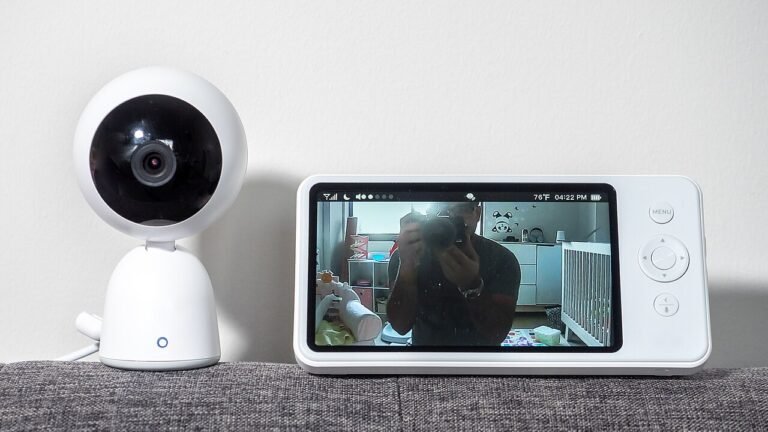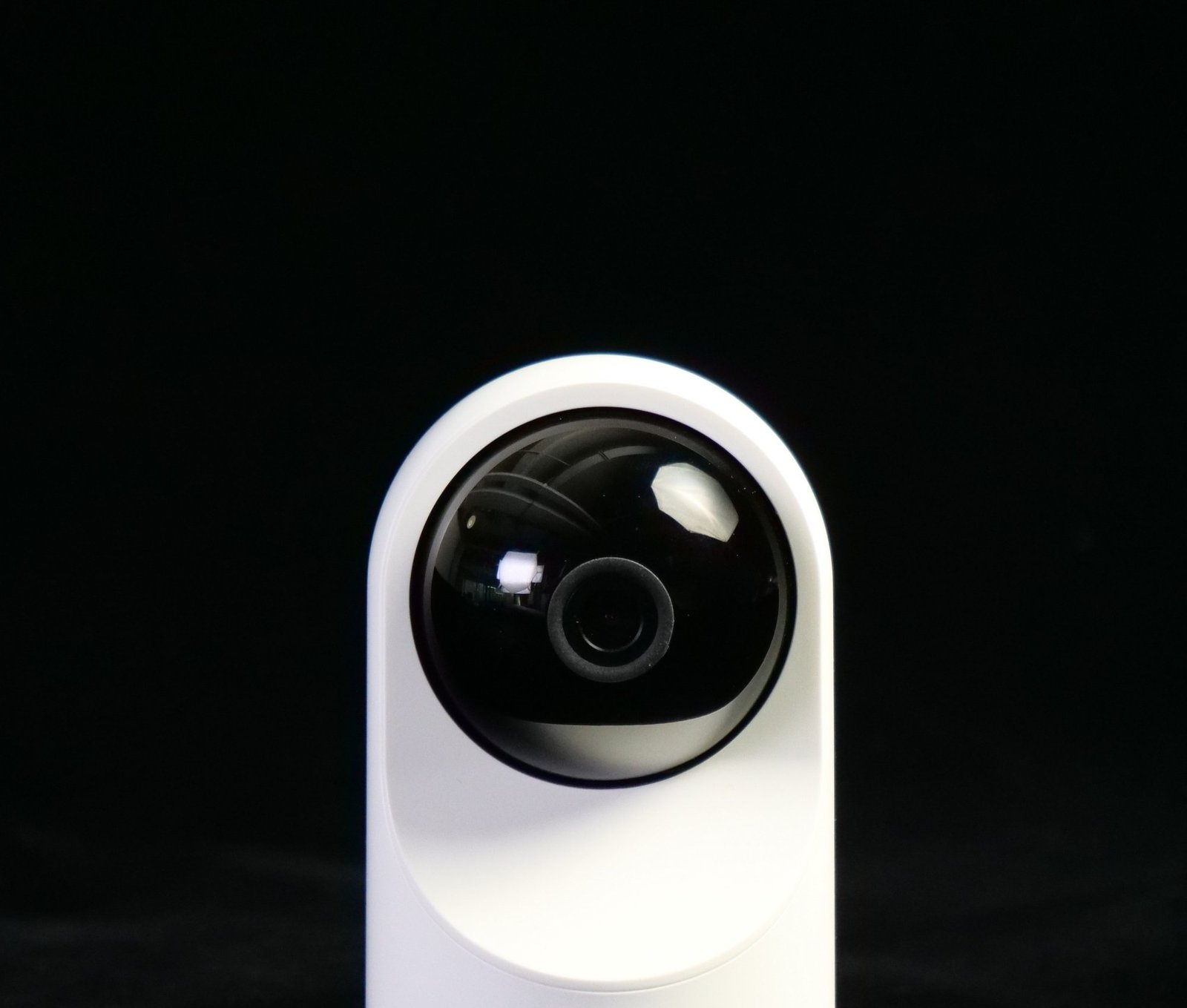
An indoor camera privacy cover or built-in shutter is the simplest way to make a camera stop watching. An indoor camera sees the most private part of your life: the living room, the nursery, the hallway at night. That is exactly why the best ones come with a way to stop looking. A camera that can close its own shutter, or a physical cover you can slide over the lens, turns “always watching” into “watching when I choose”. This post compares indoor cameras and add-on covers that give you that control, plus the consent rules that apply once anyone other than you lives in or visits the home.
Our take
The Arlo Essential Indoor Baby Camera with Privacy Shield is the clearest answer to the question, since the shield closes from the app and live streaming and basic alerts work without a subscription. The Kasa EC71 is a plain pan and tilt camera that records to a microSD card. If you already own a Blink Mini 2K+ or a Ring indoor camera, a lens cover is the cheaper route to the same result.
Three ways to add a privacy cover or shutter to an indoor camera
The first is a built-in shutter, which the maker designed and tested with the camera. The second is a manual cover that fits over the lens. The third is plain habit: unplug the camera when you are home. Each works, and they differ in how likely you are to actually use them. A shutter you can close from your phone gets used. A cover stored in a drawer does not.
Whatever you pick, check what happens to the camera’s status light and to the microphone when the shutter is closed. A closed lens is only half the story if the mic is still live. Read the listing and the app settings before you rely on it.
Consent and where cameras can go
You may generally put a camera in your own home, but there are firm limits. Do not place one in a bathroom or a bedroom used by a guest, a tenant or a roommate. Federal and state voyeurism laws treat that very seriously, and our post on 18 U.S.C. 1801 and private spaces explains why. Audio is a separate issue, since many states require consent from everyone in a conversation. See one-party versus two-party consent states and is a hidden camera legal at home.
If you employ a nanny or housekeeper, tell them where cameras are, and read cameras and housekeeper law and what a nanny cam catches and misses. This is general information, not legal advice.
Picks
Arlo Essential Indoor Baby Camera 2K, 3rd Gen, with Privacy Shield, 2-cam
A shutter you close from the app
- Automatic Privacy Shield, closed from the app
- Live streaming and basic alerts work without a subscription
- Arlo Secure, the paid plan, adds extras
- Two cameras in the box
Kasa 1080p Indoor Pan/Tilt Camera EC71
A card-slot camera that can follow motion
- 360 degree pan and 113 degree tilt
- Motion tracking
- microSD storage up to 256GB
- Night vision up to 30 feet
Blink Mini 2K+
Compact and plug-in, with optional smart alerts
- 2K video and two-way talk
- Person and vehicle detection need the optional plan
- Plug-in power
Lens Privacy Cover for Ring Indoor Camera
A manual shutter for a camera you already own
- Rotating shutter you turn by hand
- A 3D-printed third-party part, not made by Ring
Homakover Indoor Security Camera Cover
A drawstring cover for several small cameras
- Drawstring design
- Listed for Blink Mini 2, Tapo C100, Wyze Cam OG and similar models
Side by side
| Product | Privacy method | Storage or plan | Note |
|---|---|---|---|
| Arlo Essential Indoor 2-cam | Privacy Shield, app-controlled | Live view free, Arlo Secure paid | Two cameras |
| Kasa EC71 | Not built in, pair with a cover | microSD up to 256GB | Pan and tilt |
| Blink Mini 2K+ | Not built in, pair with a cover | Smart alerts need the plan | Plug-in |
| Ring lens cover | Manual rotating shutter | Not applicable | Third-party part |
| Homakover cover | Drawstring | Not applicable | Check your model |
Who should buy what
Parents who want a nursery camera they can shut off at bedtime should look at the Arlo, since the shutter is the product’s main idea. Someone who wants a basic card-recording camera for a living room can use the Kasa and decide separately about a cover. People who already own a Blink or a Ring have the simplest path: buy the matching cover and keep the camera. Check the model list on each cover before ordering, because lenses and housings differ.
For babies in particular, a camera is also a network device. Read our post on baby monitor hacking risks and compare with baby monitor versus nanny cam before you pick.
Secure it the day it arrives
A privacy shutter protects you from your own camera’s lens, not from someone who logs into your account. Set a unique password, turn on two-step sign-in in the app, and update the firmware. Review who is on the share list. If you ever sell or give the camera away, reset it first. When you are not sure whether a camera in a rented place belongs to you, our guide to finding cameras on a Wi-Fi network shows how to look.
Think, too, about where the lens points. A camera aimed at a window can capture the street, and one aimed at a hallway catches every guest who uses the bathroom. Aim for the thing you care about, such as a door or a crib, and nothing wider. Tell visitors the camera exists, and close the shutter when they stay over. The point of a privacy option is that people who share the space can see you respect it.
Finally, decide ahead of time what happens to old recordings. Cameras with a card slot keep clips until the card fills, so delete what you do not need. A habit of clearing footage every few weeks limits what could be exposed if the camera or the account is ever compromised.
Houses with guests, kids and roommates
A camera that is fine for a couple living alone becomes a house rule once other people share the space. Write the rule down, even if it is only three lines on the fridge: where cameras are, when they record, and who can watch. Roommates should agree before anything is mounted in a shared room, and a landlord or lease may have its own say about devices in rented units. Teenagers notice cameras faster than adults expect, and a conversation beats a discovery.
For a nursery, many parents settle on a simple routine: the camera is live at nap time and overnight, and the shutter or cover is closed the rest of the day. That is where a shutter controlled from the app earns its keep, because you do not have to walk into the room to close it. With a manual cover, put a reminder on your phone or tie it to a daily habit like the morning diaper change, or the cover ends up open for months.
Guests deserve a plain heads-up. A line in a text before they arrive, such as “there is a camera in the living room, I will close it while you stay”, costs nothing and avoids the awkward moment later. If the guest sleeps in a room with a camera, close the shutter or unplug it, whichever the model allows, and say so. Some states also have specific rules on recording in places where people reasonably expect privacy, so when in doubt, leave the camera off in that room.
Last, check the camera’s own status light behavior. Some models let you turn the light off in the app, which is fine for a nursery but makes the camera harder to spot for anyone else in the home. A visible light is part of being open about it.
Frequently asked questions
Does a closed shutter stop the microphone?
Not necessarily. A shutter blocks the lens. Check the app for a separate microphone setting on each camera.
Do I need a subscription for the Arlo?
Live streaming and basic alerts work without one, according to the listing. Arlo Secure is the paid plan that adds extras.
Is a third-party lens cover safe for my camera?
The Ring cover listed here is a 3D-printed third-party part, so check that it fits your exact model and does not press on the housing. Remove it if it does.
Can I put an indoor camera in a bedroom?
In your own bedroom, generally yes. In a room used by a guest, tenant or roommate, no. Ask a licensed attorney if you are unsure.
Behind this review
TrueSpyTech does not operate a test lab, and no article here rests on a unit we plugged in ourselves. Research pulls the spec sheets and the relevant law, the pattern in owner reports fills in what a spec sheet will not admit, and an editor signs off before anything goes live. Ratings are locked before affiliate links go in, never after. The full protocol is on our How we review page.
Google lets you pick which sites come up first in your own results.