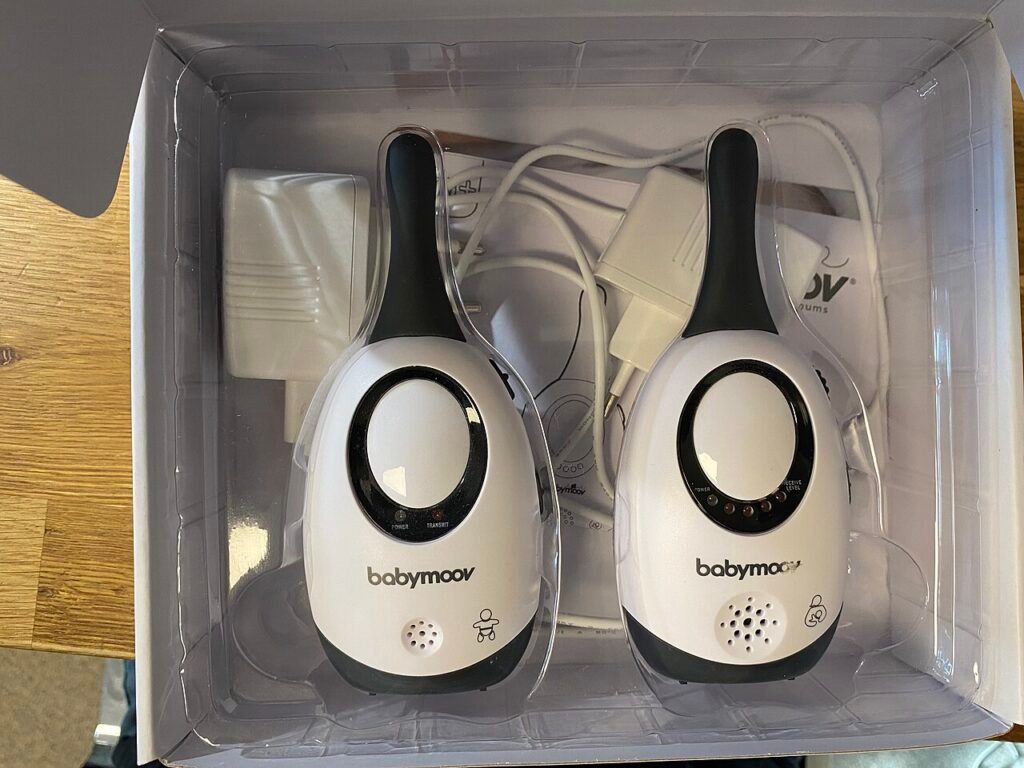
A baby monitor is designed to be seen and heard; a nanny cam is designed not to be. That single difference drives everything else, including which one is legal to run in your own home. Buy a baby monitor if the job is watching a sleeping infant from the next room. Buy a nanny cam if the job is finding out what happens in the living room when you are at work, and read the audio rules before you switch it on.
Verdict
Most families need a baby monitor and think they need a nanny cam. The visible camera solves the actual problem, deters more than a hidden one, and never has to be explained to anyone. Go covert only when there is a specific concern a visible camera would not answer.
The two categories have converged in hardware terms. Both are now small Wi-Fi cameras with night vision and a phone app. What separates them is intent, and intent is what the law reads.
What a baby monitor does that a security camera does not
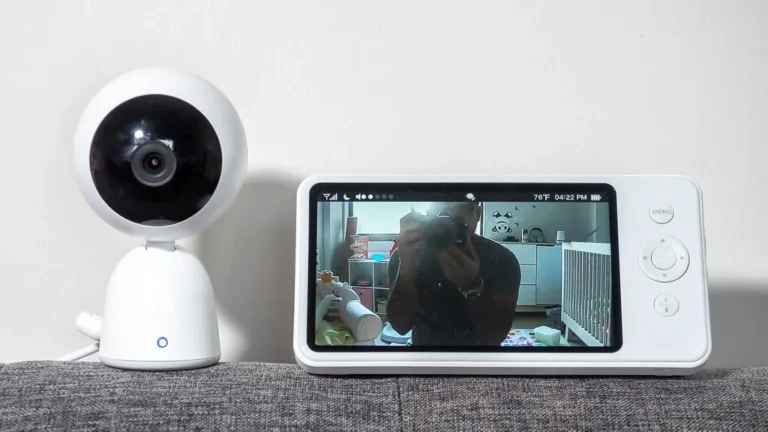
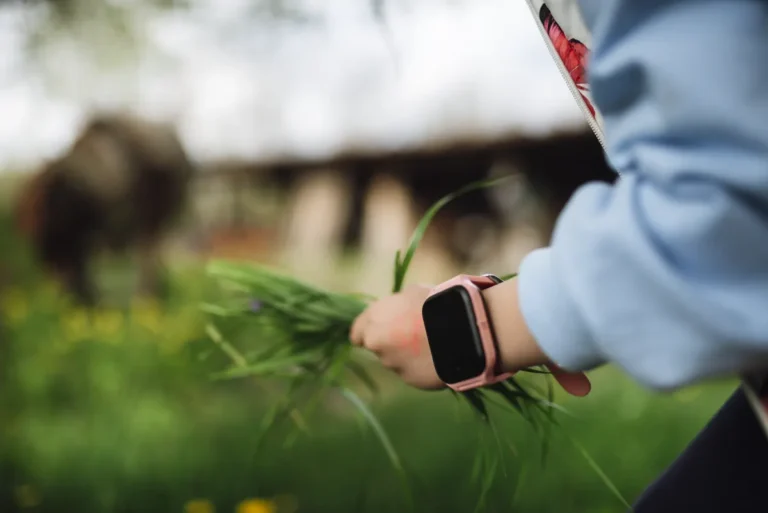
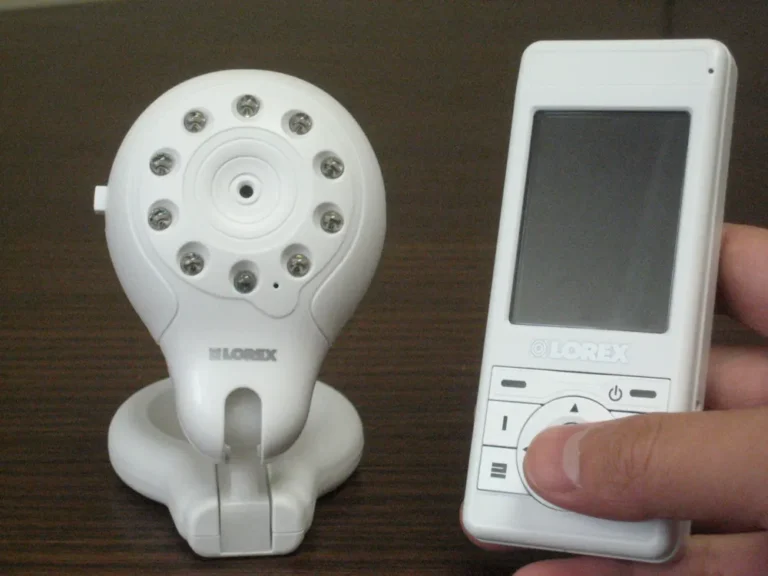
Purpose-built monitors carry features a generic camera skips. A dedicated parent unit that works without your phone and without an internet connection. Room temperature readouts. Two-way audio tuned for a voice rather than for an intercom. Cry detection that separates a genuine wake-up from a shuffle. Some models pair with a wearable that reports movement.
The dedicated screen is the underrated part. A monitor that runs on its own 2.4GHz link keeps working when the router reboots at 3 a.m., and does not put a video feed of a child’s bedroom onto the open internet at all. Cloud-connected baby cameras have been breached repeatedly. A closed-link monitor cannot be.
What a nanny cam does that a monitor does not
It disappears. That is the entire feature. Housings shaped like clocks, chargers, air purifiers and smoke detectors exist so that a camera can sit in a shared room without becoming a topic of conversation. Our hidden camera guide covers the housings that hold up and the ones that overheat.
The trade-off is placement. A device disguised as a USB charger has to sit near an outlet, which means a low angle across a room rather than a high corner view. A device disguised as a smoke detector gets the ceiling angle but needs a plausible ceiling to sit on, and a second detector appearing overnight in a hallway is exactly the kind of thing people notice. The comparison in our smoke detector camera breakdown goes through which ones actually look right.
| Baby monitor | Nanny cam | |
|---|---|---|
| Visible to everyone | Yes, by design | No |
| Works without internet | Often, on a closed link | Rarely |
| Two-way talk | Standard | Sometimes |
| Records to review later | Sometimes | Always |
| Legal complications | Almost none | Audio, and where you point it |
The audio question that catches people out
Video recording inside your own home, in rooms without a reasonable expectation of privacy, is broadly legal across the United States. Audio is a separate statute and a stricter one. Federal wiretap law and every state’s version treat recording a conversation as different from filming a room, and in the eleven or so all-party consent states, recording a conversation you are not part of without everyone’s agreement is a crime.
That matters directly here, because a nanny cam with audio enabled in a house where a sitter takes phone calls is recording conversations you are not a party to. Our state-by-state breakdown of one-party and two-party consent rules is the place to check before enabling the microphone, and the wider overview of US surveillance law covers the video side.
The practical rule most families land on: video on, audio off, and nothing pointed at a bathroom, a bedroom the sitter sleeps in, or any space you have given someone as private. That last point is not negotiable in any state. Our page on whether a hidden camera is legal at home goes through the room-by-room version.
Three devices, three different jobs
Infant Optics DXR-8 PRO
A closed-link monitor with its own screen, for people who want a baby camera that never touches the internet.
- Dedicated parent unit, so no app and no cloud account
- Interchangeable lenses, which is unusual at any price
- No remote viewing from outside the house, by design
Nanit Smart Baby Video Monitor
The tracking-heavy end of the category, with a floor stand and an 8-inch screen rather than a phone-only setup.
- Floor stand or wall mount, so it works in a shared bedroom as well as a nursery
- Logs sleep automatically and takes manual entries for feeds from the same app
- The sleep analytics are most of what you are paying for, so it is overkill if you only want a video feed
Wyze Cam v4
Not a baby monitor and not a nanny cam, which is exactly why a lot of parents end up with one.
- Cheap enough to put one in every room that matters
- Records to a local SD card as well as to the cloud
- Obviously a camera, so it deters rather than catches
Should you tell the sitter?
Almost always yes, and not only for legal reasons. A disclosed camera changes behavior on day one, which is usually the outcome you wanted. A hidden one only produces evidence after something has already happened to your child, which is a very expensive way to learn something.
Telling also removes the worst outcome of the covert route, which is a good caregiver discovering the camera and leaving. Families who disclose tend to phrase it as house policy rather than as suspicion, and it lands fine. Where a hidden camera genuinely earns its place is a specific, already-formed concern: unexplained marks, a story that changed, a child who suddenly resists being left.
Frequently asked questions
Is it legal to record a nanny in my home?
Video in common living areas is legal in every state. Audio is the risk: in all-party consent states, recording conversations you are not part of can be a criminal offense. Bathrooms, and any bedroom you have given someone as private space, are off limits everywhere regardless of consent rules. Check your state before enabling the microphone.
Can I use a baby monitor as a security camera?
A Wi-Fi model with app access and recording, yes, within its limits. Closed-link monitors with a dedicated parent unit only work inside the house and store nothing, so they show you a live room and nothing else. If you want footage to review later, buy a camera that records rather than a monitor that streams.
Do nanny cams record audio by default?
Most ship with the microphone enabled, which is the wrong default in a lot of states. Turn it off in the app before the camera is ever left running unattended, then confirm by playing back a clip. Do not assume a setting labeled privacy mode disables audio; check what it does.
What is the safest baby monitor from a hacking standpoint?
One that never connects to the internet. A closed-link monitor with its own parent unit cannot be reached remotely because there is no remote path to reach. If you want phone access, pick a brand with two-factor authentication, change the default password, and keep the firmware current, which closes most of the real-world attack routes.
If you are still torn, start visible. Put an obvious camera in the main room, tell whoever works in your house that it is there, and see whether the question you had answers itself in the first week. It usually does, and you have not spent anything you cannot repurpose.
Behind this review
TrueSpyTech does not operate a test lab, and no article here rests on a unit we plugged in ourselves. Research pulls the spec sheets and the relevant law, the pattern in owner reports fills in what a spec sheet will not admit, and an editor signs off before anything goes live. Ratings are locked before affiliate links go in, never after. The full protocol is on our How we review page.
Google lets you pick which sites come up first in your own results.