A nanny cam catches whatever happens directly in front of the lens during the hours it’s recording, and nothing more. It won’t pick up a raised voice in the next room unless audio is on and legal in your state, it won’t tell you what a caregiver said on the phone before you got home, and it can’t substitute for the reference checks and background screening you should have done before hiring anyone. Video is a record of conduct in view, not a full account of a day.
What the footage actually shows
Most nanny cams record continuous or motion-triggered video from a fixed angle, usually mounted at shelf height in a kitchen, living room, or nursery. That gives a narrow, honest window: how a caregiver handles a tantrum, whether a baby gets checked on during a nap, how much time goes to a phone versus the kids. It’s useful precisely because it’s specific. A parent reviewing a week of clips can usually tell within a few minutes whether something is off, since patterns of neglect or roughness tend to repeat rather than show up once.
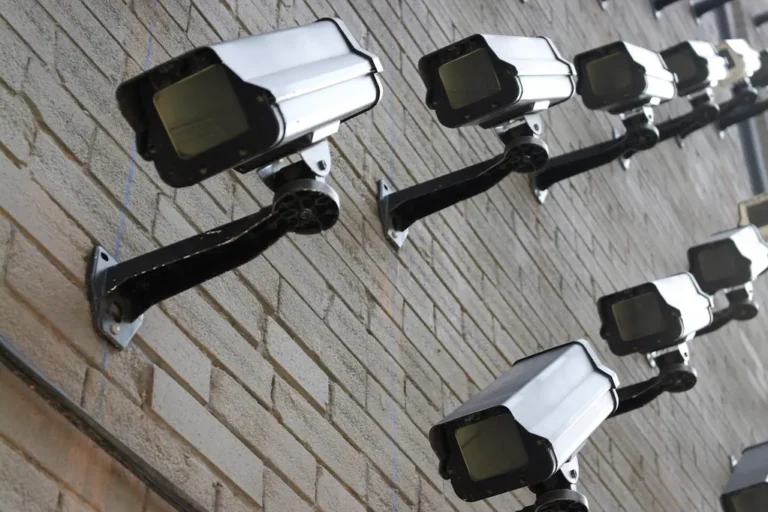
The limits show up fast, too. A single camera in one room says nothing about what happens in a different room, in the yard, or on a walk to the park. Some parents run two or three units to close that gap, but even a full house of cameras only covers where the lens physically points. Blind spots behind furniture, tight corners, and anything happening just outside the frame stay invisible no matter how many units are running.
The audio gap that catches people off guard
Video and audio are governed by different rules, and this is where a lot of nanny cam owners get their setup wrong without realizing it. Video-only recording of a caregiver in a common area of your home needs no consent in any state. Add a microphone and the calculation changes, because now you’re recording a conversation, and conversation recording falls under wiretapping law that varies sharply from state to state. A dozen or so states require every party to a conversation to consent to being recorded, which a hidden camera obviously can’t obtain if the whole point is that it’s hidden. The rest are one-party states, where your own presence as a party (even off camera) is generally enough. We cover exactly which states fall into which category in our state-by-state consent guide, and it’s five minutes worth reading before you flip audio on.
This matters for nanny cams specifically because verbal abuse, a harsh tone, a scary threat said quietly, is the thing video alone won’t catch. A camera can show a caregiver standing over a crying child with her arms crossed. It can’t tell you what she said unless the microphone was running and running legally.
What a nanny cam can’t tell you about who you hired
A camera answers “what happened while I was watching the footage,” not “should I have hired this person.” Those are different questions, and treating good footage as proof of a good hire is a common mistake. A caregiver can behave perfectly on camera for months and still lack the training to handle a real medical emergency, or hold a reference from a previous family that would have raised questions if anyone had called it. Footage reviewed after the fact also can’t undo a bad hour that already happened; it’s a detection tool, not a prevention one.
Agencies increasingly build camera disclosure into their placement contracts, partly for this reason, and it’s worth checking your own agreement rather than assuming silent recording is automatically fine on your end even in a state where the law itself allows it.
Catches versus misses, side by side
| What a nanny cam typically catches | What it typically misses |
|---|---|
| Physical handling of a child in view of the lens | Anything said, unless audio is on and legal in your state |
| Whether naps and feeding schedules are followed | What happens in rooms the camera doesn’t cover |
| Screen time and phone use patterns over a week | Whether the caregiver is actually qualified for an emergency |
| A single alarming incident, if it happens on camera | A pattern of behavior confined to off-camera hours or outings |
Storage, retention, and what happens to the clip
Cloud-connected nanny cams usually keep rolling footage for a set window, often 7 to 30 days depending on the subscription tier, before older clips get overwritten. SD-card models keep recording locally until the card fills, then loop over the oldest footage unless something is manually saved off first. If you’re deciding between the two, our Wi-Fi vs SD card comparison walks through the trade-offs in more depth, but the short practical point here is: if you’re using a camera to evaluate a new hire, save anything concerning off the device immediately rather than trusting the rolling window to hold onto it for you.
Set a personal rule before you need it. Thirty days of retention while evaluating someone new is a reasonable baseline, and anything that looks like a real problem should be backed up the same day, not left to auto-delete on its usual schedule.
Disguised units versus obvious ones
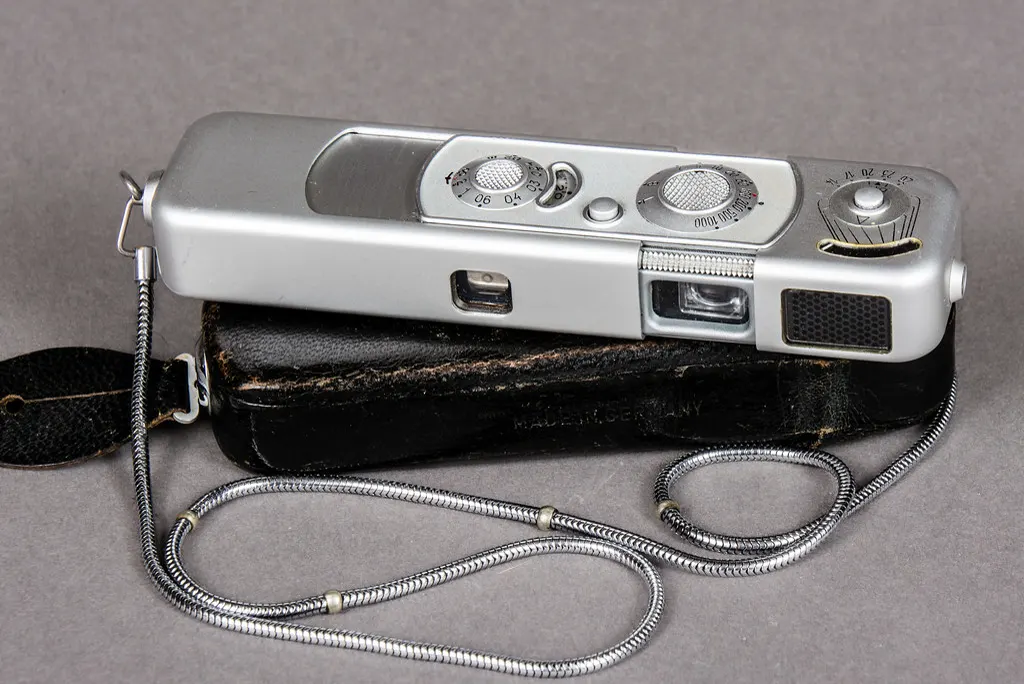
Nanny cams generally come in two shapes: a visible small camera, often marketed honestly as a baby monitor or security camera, and a disguised unit built into something else entirely, a clock, a picture frame, a stuffed animal, an air purifier. Manufacturer listings for disguised models tend to emphasize field of view and battery life over anything about concealment itself, since the device still has to be pointed somewhere useful to be worth buying. Owners report that disguised units are more prone to accidental obstruction than obvious ones, a stuffed animal moved to a different shelf during cleaning, a picture frame turned slightly to catch better light, since nobody in the house is treating it as a camera that needs a clear line of sight.
An obvious camera changes behavior less than people assume, at least after the first few days. Caregivers who know a camera is present but forget exactly where it points tend to act close to how they’d act unobserved once the initial awareness fades, which is part of why disclosed cameras still catch real problems rather than only ever showing performative good behavior.
Placement rules that keep a setup legal
The same common-area rules that apply to any hidden camera in a private home apply here: living rooms, kitchens, and playrooms are fine for video, bathrooms are not, and a caregiver’s private break area or sleeping quarters (for a live-in nanny) crosses into space where they have a reasonable expectation of privacy. Our full breakdown of hidden camera law at home covers the common-area and audio distinctions in more detail, since they’re the two things that turn a legal setup into a legal problem fastest.
Verdict
A nanny cam is a narrow window, not a full picture. It’s genuinely good at catching physical conduct in view of the lens and bad at catching anything said off camera or anything that happens outside the room it covers. Use it to spot-check behavior, not to replace the reference calls and interview questions that should have happened before day one. For the broader buying decisions around storage, disguise, and battery life, our full hidden camera buying guide covers the ground this article doesn’t, and if a dedicated baby monitor might suit the job better than a repurposed hidden camera, our baby monitor versus nanny cam comparison breaks down which fits which situation.
Frequently asked questions
Can a nanny cam pick up a caregiver talking on the phone in another room?
No. A fixed camera only captures what’s in its own room and field of view. A conversation happening elsewhere in the house, even one room over, won’t appear in the footage regardless of how sensitive the microphone is.
Do I need to tell my nanny there’s a camera?
Legally, no, for video-only recording in a common area of your own home. Some placement agencies require disclosure in the service contract regardless of state law, so check that agreement separately from the general legal question.
Is audio recording ever worth the legal risk with a nanny cam?
In an all-party consent state, covert audio recording of a caregiver who hasn’t agreed to it can expose you to liability, which usually outweighs the benefit. Most parents stick to video-only for exactly this reason.
How long should I keep nanny cam footage?
Thirty days is a reasonable baseline while evaluating a new caregiver. Anything that looks like a genuine problem should be saved off the device the same day rather than left inside a rolling storage window that will eventually overwrite it.
Can nanny cam footage replace a background check?
No. Footage shows conduct after the fact, in one room, during recorded hours. It says nothing about a caregiver’s training, history, or references, which is why screening still has to happen before the camera does any work.
If a clip ever looks bad enough to make you question the hire entirely, save it, note the date and time, and treat it as one data point rather than a full verdict. A single frame rarely tells the whole story, and a caregiver deserves the same fairness you’d want applied to a single moment of your own day.
Behind this review
TrueSpyTech does not operate a test lab, and no article here rests on a unit we plugged in ourselves. Research pulls the spec sheets and the relevant law, the pattern in owner reports fills in what a spec sheet will not admit, and an editor signs off before anything goes live. Ratings are locked before affiliate links go in, never after. The full protocol is on our How we review page.
Google lets you pick which sites come up first in your own results.