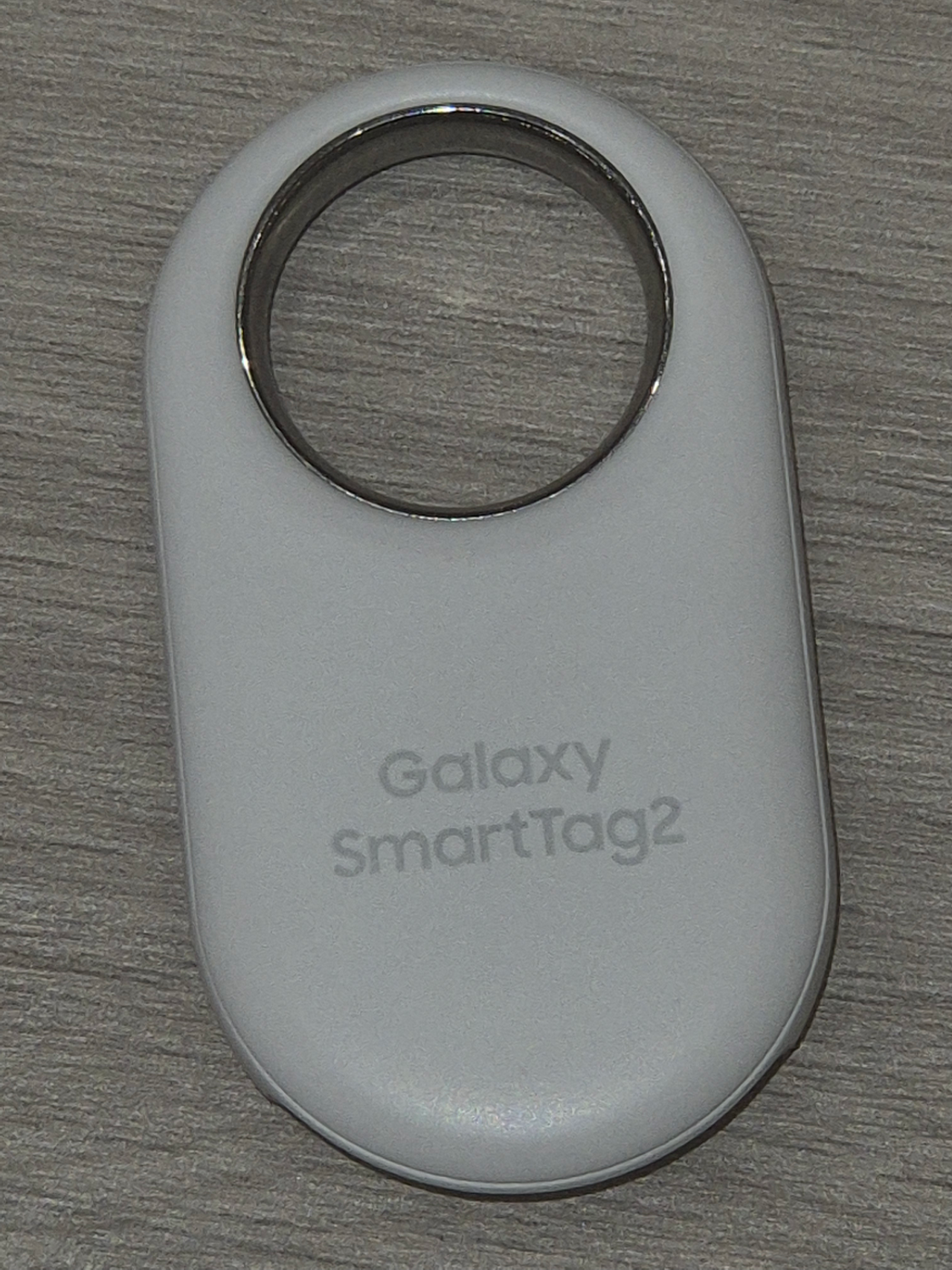
The choice between the Samsung Galaxy SmartTag2 and Apple’s AirTag mostly makes itself: it depends on the phone in your pocket. Samsung’s page lists Galaxy smartphones and tablets as the compatible devices, and Apple’s page lists an iPhone or iPad. Neither tag is built to cross that line, so the specs below only matter once you know which camp you are in.
Everything in this comparison comes from the manufacturers’ own pages, linked inline. Where a page does not state a value, the table says so instead of filling the gap from memory.
Side-by-side specs
The Samsung figures come from Samsung’s SmartTag2 announcement. The Apple figures come from Apple’s AirTag page, which describes the current AirTag and lists newer operating system requirements than the first model shipped with.
| Spec | Galaxy SmartTag2 | Apple AirTag |
|---|---|---|
| Phones it works with | Galaxy smartphones and tablets on Android 9 or higher | iPhone with iOS 26.0 or later, iPad with iPadOS 26.0 or later |
| Finding network | SmartThings Find app and SmartThings Station | Find My network, described as more than a billion iPhone, iPad, and Mac devices |
| Ultra Wideband | Yes, with UWB-enabled Galaxy devices for the UWB features | Yes, an Apple-designed second-generation UWB chip |
| Bluetooth range | Up to 120 m (BLE) | Not stated on the page |
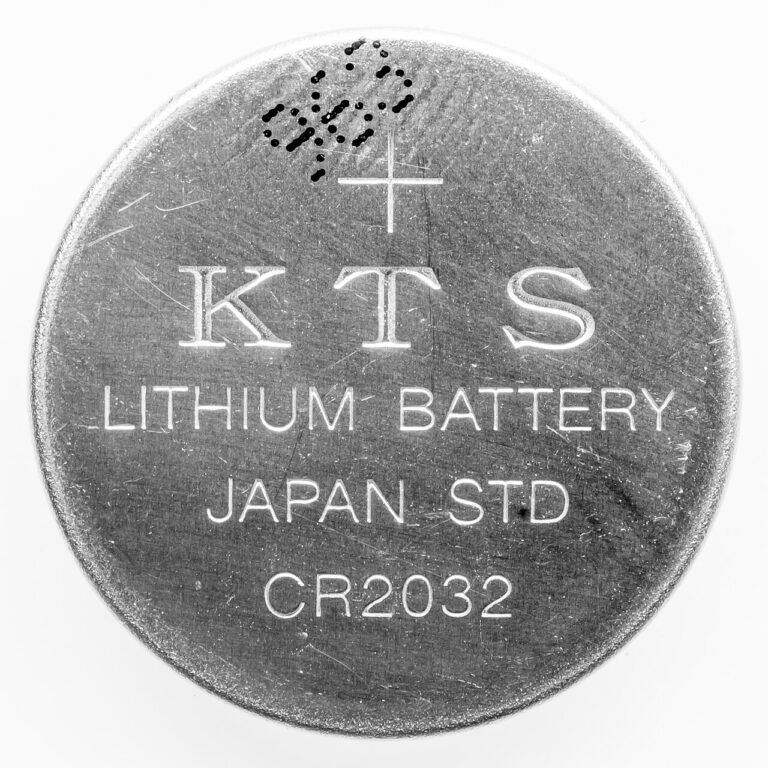
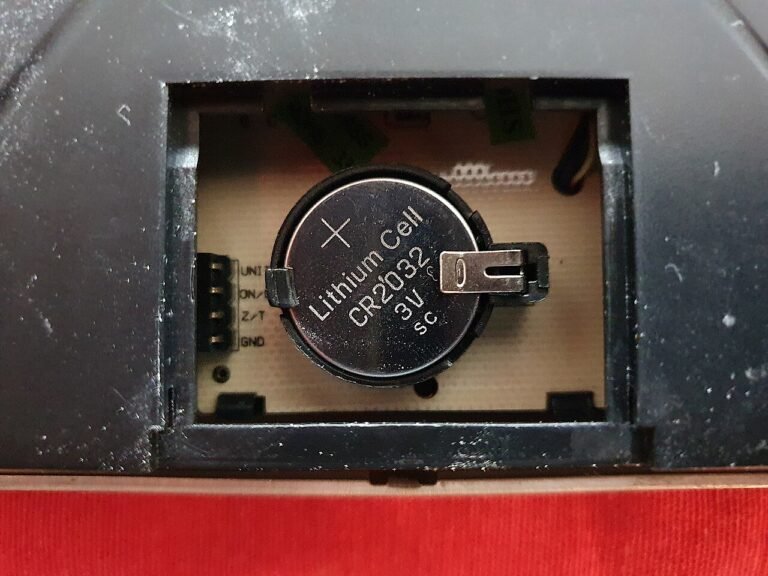
| Battery | Replaceable CR2032 | User-replaceable CR2032 coin cell |
| Battery life | Up to 500 days standard, up to 700 days in Power Saving Mode | More than a year on a standard battery |
| Water and dust rating | IP67 | IP67 |
| Warns you about tags that are not yours | Unknown tag alerts through SmartThings Find | Alerts on an iPhone or Android phone |
Two rows deserve a second look. The battery type row is a tie: both use a CR2032 you can swap yourself. And the finding-network row is the one the manufacturers do not answer in the same units. Apple gives a device count, while Samsung’s announcement names the app and the SmartThings Station without giving a count. Without a number from Samsung, any claim about which network is bigger would be a guess.
Compatibility decides it
Samsung’s announcement lists compatibility as Galaxy devices with Android OS 9 or higher, and adds that UWB features need a UWB-enabled Galaxy device. So a SmartTag2 paired with a Galaxy phone that lacks UWB may lose the precise-finding features, and you should check your phone’s specs before counting on them.
Apple’s side is stricter about software. The AirTag page asks for iOS 26.0 or later on iPhone, or iPadOS 26.0 or later on iPad. If your iPhone is older, check whether it can run that version before ordering. The page states the requirement but does not list which phone models are cut off, so this article will not guess at that either.
This is where households with mixed phones run into trouble. If one person carries a Galaxy and another an iPhone, you cannot share a single tag ecosystem. Pick the tag that matches the phone of whoever will check the app most often.
Battery and durability
Samsung says the SmartTag2 lasts up to 500 days in normal mode and up to 700 days with Power Saving Mode turned on. Apple’s wording is looser: more than a year on a standard battery. Those are not the same kind of claim. One is a maximum under named modes, the other is a floor. Real life depends on how often the tag is pinged and on temperature, and neither page publishes the test conditions behind its number.
On the water question the pages agree. Both tags are IP67. Apple spells out what that means for the AirTag: a maximum depth of 1 meter for up to 30 minutes under IEC 60529. Samsung’s announcement gives the rating without the test detail. Either tag should handle rain and a dropped bag in a puddle. Neither is sold for a dive.
Finding the tag when it is nearby
Both tags pair Bluetooth with Ultra Wideband for close-range search. Apple says the AirTag’s second-generation UWB chip powers Precision Finding, which shows the exact distance and direction to the tag. Samsung describes its tag as using both BLE and UWB with an AR Finder, and gives a Bluetooth range of up to 120 m.
Those two descriptions are not directly comparable, because one quotes a feature and the other quotes a distance. If the range of the precise-finding mode matters to you, for example in a large warehouse or a multi-story house, check the current spec sheet on the maker’s site instead of relying on a comparison written from two different announcements.
Samsung also includes Lost Mode. Per its announcement, the owner can leave a contact message, and anyone who scans the tag can read it. That is a practical feature for luggage and keys, and a good reason to put a work email address in it rather than a home address.
What each one does about unwanted tracking
Any small tracker can be slipped into someone’s bag, so both makers built in warnings. Samsung says unknown tag alerts notify a user if SmartThings Find detects an unknown SmartTag following them. Samsung’s support page puts the setting under the SmartThings app, then Life, then Find, then Settings, then Unknown tag detection, and warns that the feature can only detect tags compatible with SmartThings Find.
Apple’s page says that if someone else’s AirTag finds its way into your stuff, your iPhone or Android phone will notice it is traveling with you and send you an alert. On the Android side, Google’s support page says unknown tracker alerts work on Android 6 and up and lists AirTags among the compatible trackers. After an alert, Google’s page offers Play sound and Find nearby.
The practical takeaway: the alert system lives on the phone you already carry, not on the tag you buy. If you are worried about being tracked, make sure those alerts are switched on, whichever brand the other person uses. For other kinds of trackers, see our guide to GPS trackers for personal use, and for the legal side of putting a tracker on anything you do not own, the overview of US surveillance laws.
Our take
Buy the tag that matches your phone, and stop there. On the numbers the two companies publish, the SmartTag2 and the AirTag are close: same battery type, same IP67 rating, UWB on both. Samsung publishes a longer battery figure and a 120 m Bluetooth range. Apple publishes a network size. If you own a Galaxy, the SmartTag2 is the one its maker lists as compatible. If you own an iPhone, it is the AirTag. This comparison goes by published specs, not by a side-by-side trial, so read the battery days as the manufacturers’ claims.
Common questions about SmartTag2 and AirTag
Can I use a Samsung SmartTag2 with an iPhone?
Samsung’s announcement lists Galaxy smartphones and tablets as the compatible devices and does not list iPhones. Based on that page, it is built for Galaxy owners.
Can an AirTag work with an Android phone?
Apple’s page lists an iPhone or iPad as the requirement for the AirTag itself. What it does say about Android is that an Android phone will alert you if someone else’s AirTag travels with you.
Which tag has the longer battery life?
Samsung states up to 500 days in normal mode and up to 700 days in Power Saving Mode. Apple states more than a year on a standard battery. Samsung’s figure is the longer one on paper, but neither page shows the conditions behind it.
Do both tags use a replaceable battery?
Yes. Samsung lists a replaceable CR2032, and Apple describes a user-replaceable CR2032 coin cell.
Do I get warned if someone hides a tag on me?
Both ecosystems say yes. Samsung has unknown tag alerts in SmartThings Find, and Apple says an iPhone or Android phone will alert you to an AirTag traveling with you. Check that the setting is on, since the alert lives on your phone.
Behind this review
TrueSpyTech does not operate a test lab, and no article here rests on a unit we plugged in ourselves. Research pulls the spec sheets and the relevant law, the pattern in owner reports fills in what a spec sheet will not admit, and an editor signs off before anything goes live. Ratings are locked before affiliate links go in, never after. The full protocol is on our How we review page.
Google lets you pick which sites come up first in your own results.