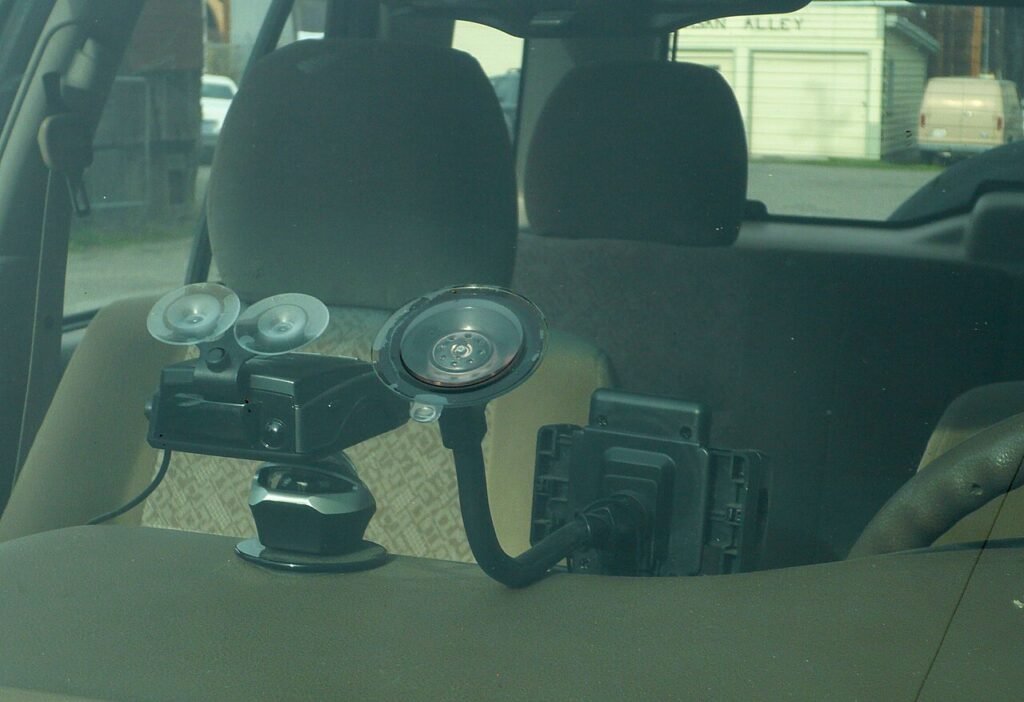
Dash cams are legal to use and record with in all 50 states. That’s the short version. The part that trips people up isn’t the recording itself, it’s where you’re allowed to stick the thing. A few states restrict what you can mount on a windshield, and a dash cam counts. We’ll walk through both halves: the law, then how to actually pick a camera that’s worth mounting in the first place.
If you’ve been putting off buying one because you read a scary forum post about wiretapping charges, you can relax. Video-only recording of the road in front of your car is not a privacy violation anywhere in the US. What changes state to state is audio recording (consent rules) and, separately, where the hardware physically sits on your glass. We’ll cover the mount rules here and point you to the deeper legal breakdowns for anything more specific.
Verdict
Buy a dash cam, mount it low behind the rearview mirror, and don’t sweat the legality. It’s settled. If you want one camera that does almost everything well without a huge bill, the Viofo A119 V3 is the one we point most people toward. If you drive for a living or get rear-ended more than once feels reasonable, step up to a two-channel unit like the Viofo A129 Plus Duo.
Are dash cams legal to use?
Yes, in every state, full stop. Recording video from inside your own vehicle, pointed at a public road, doesn’t require anyone’s consent. You’re not recording a private conversation, you’re documenting a public space from a car you own or are driving. Insurance companies, police departments, and courts all treat this as ordinary and expected at this point: dash cam footage shows up in claims and small-claims disputes routinely.
Where states differ is audio. If your dash cam also records sound and you’ve got passengers who don’t know it’s on, you’re now touching your state’s consent law for recording conversations, a separate legal question from the video side. We break down exactly which mount restrictions and consent rules apply where in our state-by-state look at dash cam legality.
Where can you mount one?
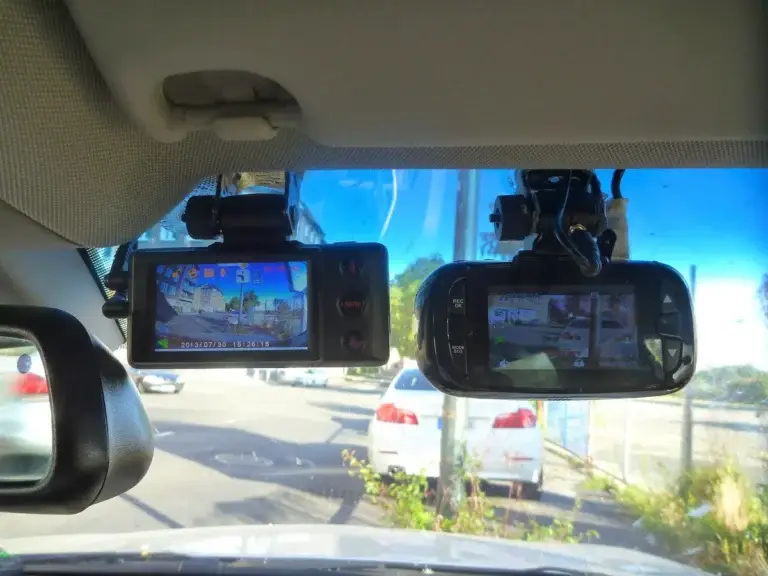
This is the part that varies. A handful of states, California and Minnesota among them, have windshield-obstruction laws written originally for GPS units and toll transponders, and dash cams get swept into the same rule. The pattern is usually the same: you can mount something on the glass, but only in a small zone, typically the lower corner on the passenger side or a strip behind the rearview mirror. Mount your camera outside that zone and you’re technically violating an obstructed-view statute, which is a different offense than anything about surveillance.
The practical fix is boring. Mount low, mount small, mount behind the mirror where the factory sensor cluster already lives. Every major dash cam ships with a suction or adhesive mount sized for exactly that spot, so this isn’t really a design compromise, it’s just the default install location anyway. We cover the state list and the exact mounting zones in the dedicated dash cam legality article. Read it before you install if you’re in a state with a known obstruction law, since the specifics (and how strictly they’re enforced) shift enough that we’d rather send you to the current source than freeze a list here.
What matters when you’re buying one
Most dash cams look similar on a spec sheet and behave very differently once they’re mounted for six months in a hot car. What separates a camera you forget about from one you regret rarely shows up on the spec sheet.
Resolution and low-light performance matter more than the number on the box suggests. 1080p is the floor, 1440p or 4K is nice for reading plates after a fender-bender, but low-light handling matters more day to day. A cheap sensor turns headlights into a white blob and can’t resolve a plate at night even at high resolution. If you drive a lot after dark, prioritize sensor quality over raw pixel count.
Storage is where most cheap setups quietly fail. Dash cams write video constantly and loop-overwrite old footage, which is brutal on cheap microSD cards. Buy a card rated for continuous/endurance recording (Sansdisk High Endurance, Samsung PRO Endurance) rather than a generic card meant for a phone. This is the single most common reason people discover their dash cam “wasn’t recording” right when they needed it.
Parking mode is easy to skip and easy to regret skipping. A camera that only records while the engine’s on misses hit-and-runs in parking lots, which is a huge share of what people want dash cam footage for. Parking mode needs either a hardwire kit tapping constant power (with low-voltage cutoff so it doesn’t kill your battery) or a supercapacitor-based unit built for heat tolerance.
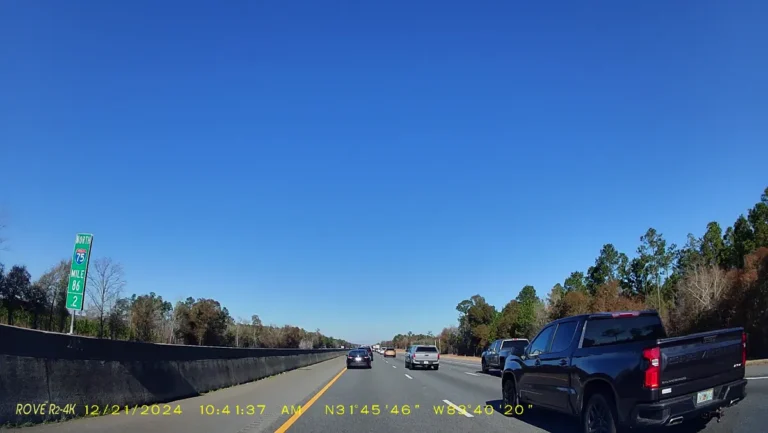
GPS stamping sounds like a gimmick until you need it. Built-in GPS timestamps your location and speed onto the footage, which matters a lot if the video ever needs to support an insurance claim or a police report. It’s a small feature that does real work.
Then there’s the question of one channel or two. A single front-facing camera covers the far more common scenario: someone hits you from the front or side while you’re driving. A second, rear-facing channel matters specifically if you’re rear-ended a lot (stop-and-go traffic, tailgaters) or you drive rideshare and want cabin coverage too. We break down exactly when the second channel earns its keep in our single vs dual-channel comparison.
How do you install a dash cam without a mess of wires?
The cable is the annoying part, not the camera itself. Most dash cams ship with a cigarette-lighter (12V) adapter that’s fine for a quick test but leaves a cable dangling across your dash forever, which looks bad and eventually gets caught on something. The better setup routes the cable up along the windshield trim, down the A-pillar, and tucks it under the dash trim to a power source, which takes maybe twenty minutes with a plastic trim tool and hides it completely.
If you want parking mode, that cigarette-lighter plug won’t cut it since most cars kill power to that outlet when the ignition is off. You need a hardwire kit, which taps into a fuse box circuit that stays live even with the car off, ideally paired with a low-voltage cutoff so the camera stops drawing power before it drains your battery overnight. A handful of installers charge $30 to $50 for this if you’d rather not pull your own fuse panel apart, and it’s a common enough job that most audio shops know it on sight.
One thing worth double-checking before you commit to a mount spot: don’t place the camera or its cable anywhere near where an airbag deploys, particularly the A-pillar near the roofline on cars with side-curtain airbags. Keep the run low and tight to the trim and this is a non-issue, but it’s worth a glance at your owner’s manual if you’re unsure where those zones are on your specific car.
A few models worth knowing by name
We’re not going to pretend there’s one perfect dash cam for everyone. These four cover most of the situations people actually buy for, and the table says plainly what each one asks of you in return.
| Model | Channels | Resolution | Parking mode | Best for |
|---|---|---|---|---|
| Viofo A119 V3 | Single | 1440p at 60fps | Needs the HK3 cable, sold separately | Budget-conscious daily driver |
| Vantrue N4S | Three (front/cabin/rear) | 2.7K front, 1440p cabin and rear | Four modes | Rideshare and delivery drivers |
| Viofo A129 Plus Duo | Dual | 1440p front, 1080p rear | Hardwire kit comes in the box | Rear-collision coverage |
| Garmin Dash Cam Mini 3 | Single | 1080p | Paid subscription and constant power | Smallest, most discreet install |
Viofo A119 V3
OUR DEFAULT PICK
- Records 1440p at 60fps behind an F1.6 aperture and a seven-element glass lens
- GPS sits in the body, so speed and route are written onto the video file rather than into a phone app
- Parking mode does nothing until you add VIOFO’s HK3 hardwire cable, which is a separate purchase
If you’re specifically shopping on a tight budget, our roundup of the best dash cams under $100 narrows it down further with picks that don’t cut corners on the parts that matter.
On price: a solid single-channel unit typically runs somewhere in the $60 to $100 range once you account for a decent card, and a capable dual or triple-channel setup usually lands in the $150 to $250 range before you add a hardwire kit. Anything advertised well below that for a “4K” multi-camera bundle is usually cutting corners somewhere you can’t see on a spec sheet, most often the night-vision sensor or the actual sustained write speed of the included card.
Mistakes that make people regret buying one
The complaint we hear most often isn’t about the camera, it’s about the card. People buy whatever microSD card was cheapest, drop it in, and forget about it. Standard consumer cards aren’t built for the write cycle a dash cam puts them through: constant loop recording, overwriting old footage every few minutes, day after day. They degrade faster than a card used in a phone or camera, and the failure mode is silent. The camera keeps recording, or thinks it does, right up until the one day you need the footage and pull a corrupted file. Buy an endurance-rated card meant for dash cams or security cameras, and replace it every year or two as cheap insurance.
The second most common mistake is never checking the footage until there’s an emergency. A dash cam that’s been quietly failing for three months (loose cable, full card, a firmware glitch after an update) won’t announce itself. Pull the card and play back a clip every few weeks, just to confirm it’s capturing something usable.
Third: leaving the default loop-recording interval too short if you’re relying on parking mode. A camera set to overwrite every one or two minutes might cycle past the exact window of a hit-and-run before you even notice your car’s been hit, especially if event detection (impact-triggered locked files) isn’t configured to protect that clip from being overwritten. Check your camera’s settings menu for a “protected” or “event” file folder and make sure it’s turned on, not just the loop recording. That only helps if the camera was running at the time, which for a parked car means a hardwire kit rather than the cigarette-lighter plug, and our guide to parking mode and hardwire kits walks through the fuse-box side of it.
What happens to the footage after an incident
People assume dash cam footage only helps them. It doesn’t discriminate. If you were speeding, tailgating, or ran a light right before a crash, that same clip can be used against you: by the other driver’s insurer, by a prosecutor, by your own insurance company reviewing the claim. We cover exactly how that plays out, including who can legally demand a copy, in our piece on dash cam footage as court evidence. Worth a read before you assume the camera is only ever on your side.
Frequently asked questions
Do I need to tell passengers my dash cam is recording?
Only if it records audio. Video-only recording of the road doesn’t require consent from anyone in the car. Audio recording of conversations is governed by your state’s consent law, which is a separate question from whether the dash cam itself is legal.
Can police make me hand over my dash cam footage?
Generally they need a warrant or your voluntary cooperation, the same as any other personal recording device. Handing it over voluntarily after a crash is common and often helps clear up fault faster, but you’re not automatically required to.
Will a dash cam drain my car battery?
Not in normal driving use, since it only draws power while the engine’s running. Parking mode is what drains a battery if it’s wired without a low-voltage cutoff, which is why hardwire kits with cutoff protection matter if you want 24/7 recording.
Does a dash cam need a subscription?
Most don’t. Footage typically records straight to a microSD card with no recurring fee. Some connected models (Nextbase’s cloud backup, for instance) offer an optional paid tier for automatic cloud upload, but it’s rarely required to use the camera.
Is a suction mount or adhesive mount better?
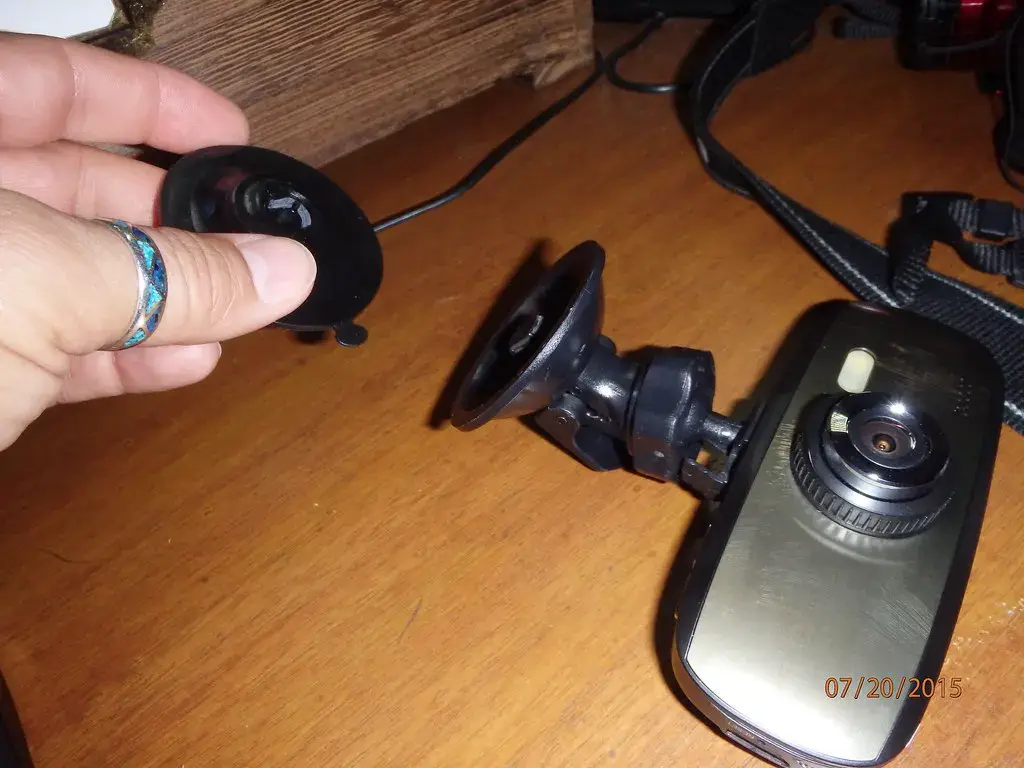
Adhesive mounts hold more securely over time and in heat, which matters if the camera lives behind your mirror permanently. Suction mounts are easier to remove and reposition, which some people prefer if they move the camera between cars.
Next step: if you’re worried about anything beyond the dash cam itself, someone tracking your car, a camera where it shouldn’t be, our counter-surveillance guide covers how to sweep for that kind of thing without buying anything illegal to do it.
Behind this review
TrueSpyTech does not operate a test lab, and no article here rests on a unit we plugged in ourselves. Research pulls the spec sheets and the relevant law, the pattern in owner reports fills in what a spec sheet will not admit, and an editor signs off before anything goes live. Ratings are locked before affiliate links go in, never after. The full protocol is on our How we review page.
Google lets you pick which sites come up first in your own results.